Tag: AI Image Generation

  • Google’s 10 Upgrades, Revolutionary AI Features

    Google’s 10 Upgrades, Revolutionary AI Features

    Google has introduced a wave of AI innovations that change how we talk, create, and work together. Features like real-time voice translation and AI-powered glasses are big steps forward. They show how technology is improving our productivity. Here’s a guide of the top 10 Google AI updates changing the digital and AI world.

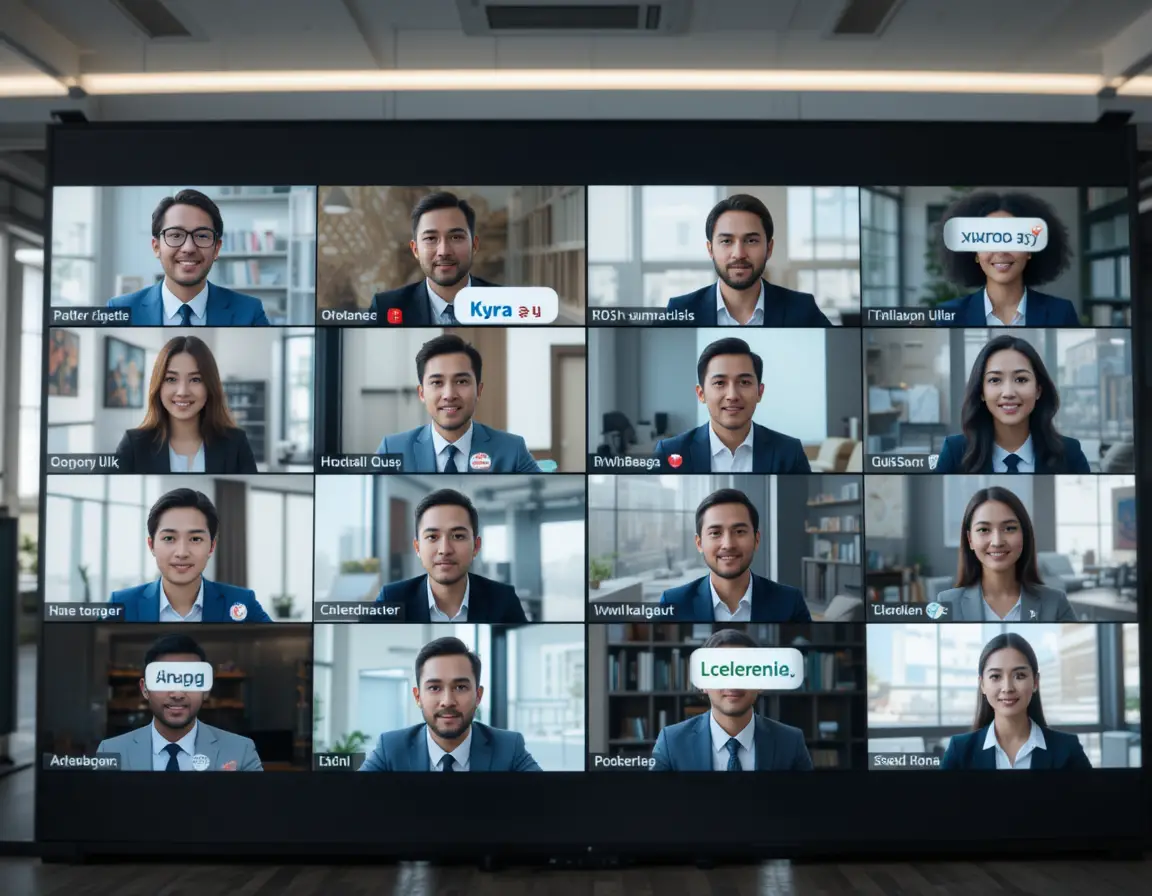
    Google Meet now has a real-time voice translation feature. This makes talking across languages easy and natural.

    With this feature, meetings become truly global. It’s great for business, education, and remote teams. It makes communication smooth and clear, without the need for interpreters.

    Gemini Live turns your phone into an AI assistant. It understands what you see through your camera. Point your camera at anything, and ask a question.

    This technology helps students, travelers, and cooks. It’s fast and natural, making it easy to solve problems with AI.

    Google has added Gemini to Chrome, making AI help easy to access. You can get answers without leaving your browser. It’s perfect for web research, school work, and coding.

    Gemini knows what you’re looking at and gives better answers. It feels like a smart part of your browser, not a separate tool.

    Gemini works well with Google Apps, making tasks easier. You can add events to your calendar with a camera and voice command. It’s great for business, projects, and research.

    Flow is a new AI tool for creating content. It combines video, images, and scriptwriting into one. It helps creators make professional content easily.

    Flow makes creating content faster and easier. It helps you create stories with consistent themes and characters. It’s a big change for creators.
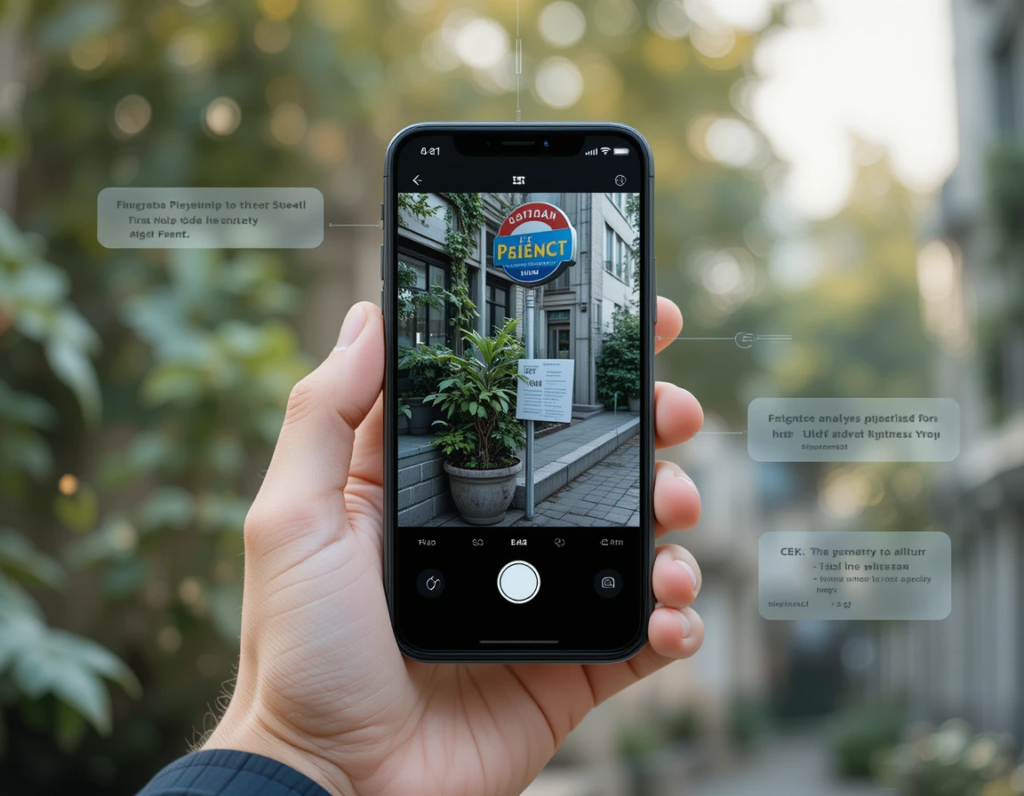
    Google’s Gemini app uses AI to help with writing and dialogue. It makes sure all media types, like videos and images, work well together. This helps creators make content without needing a big team or a lot of money.

    The AI takes care of the technical stuff, so people can focus on the creative parts. This means more time for storytelling and less for technical details.

    Imagen 4 is Google’s latest image generation tech. It creates visuals that are almost as good as professional photos. Users can make realistic images just by typing what they want.

    This technology is free and easy to use. It’s great for anyone who needs to make images fast, like marketers or designers.

    Deep Research Mode in Google’s Gemini app changes how we understand complex info. It quickly analyzes documents and gives detailed insights. This saves a lot of time.

    It’s perfect for students, researchers, and business analysts. It makes complex documents easy to understand and find important information in.

    Veo 3 is a big step in AI video making. It creates high-quality videos from simple text. This makes making videos easy for anyone, not just experts.

    It can handle complex scenes and camera movements. This means creators can focus on the story, not the tech.

    Gemini’s Agent Mode turns AI into a helpful assistant. It can book appointments and send emails. It even fills out forms and does complex tasks online.

    This is different from regular chatbots. Agent Mode actually does things for you. It helps with busy work so you can focus on important tasks.
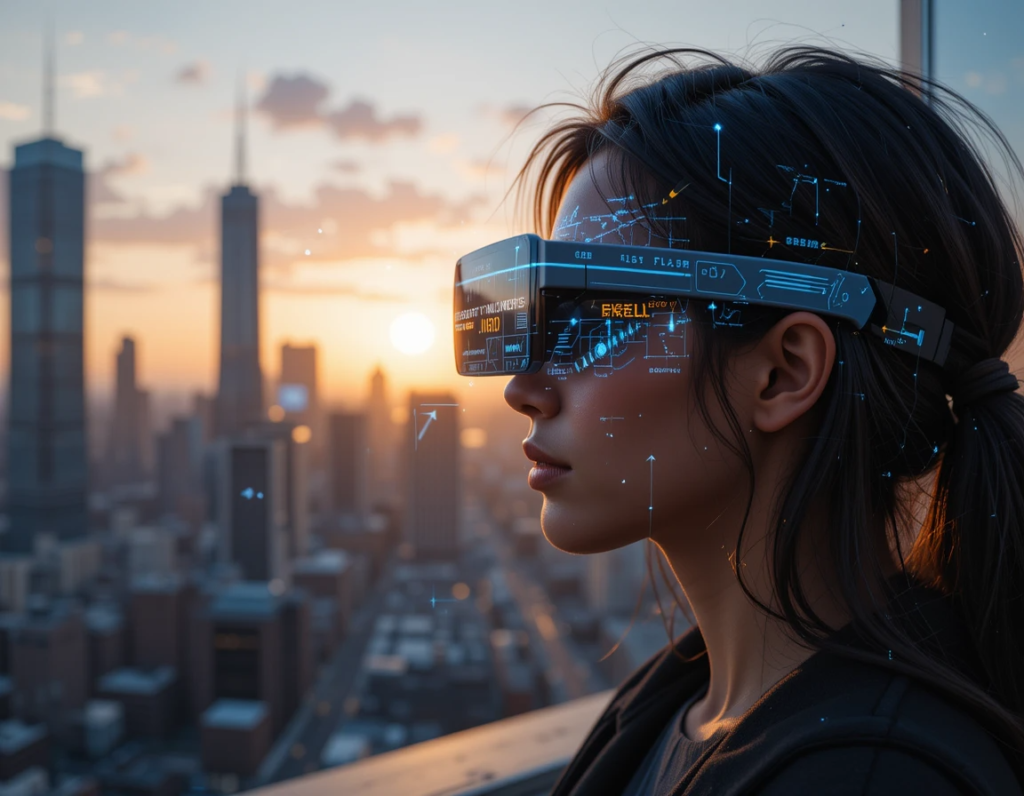
    Google’s XR glasses mix augmented reality and AI. They show digital info right in your view. This makes everyday tasks better by adding useful info.

    They translate text and explain things you don’t know. They also help with navigation. It’s like having a personal guide.

    This technology aims to make the physical world as easy to search as the internet. It’s still being worked on, but it shows Google’s dream for AI that helps us, not hinders. The idea is to blend visual AI with wearable tech, making life smarter and less distracting.

    These ten AI innovations are more than small updates. They’re a big change in how we use tech and talk to each other. They can translate languages in real time, making communication easier. They also make the world searchable and help with creative tasks.

    Together, these technologies are creating a world where language barriers disappear and creativity is easier. They automate routine tasks, making work faster and more efficient. This means businesses can work better together and make content quicker. For people, it means getting help and creative tools like never before.

    As these features get better, they’ll change what we expect from technology. The future of tech and us is becoming more natural and smart. It will be part of our daily lives, making work and communication easier.
  • Gemini vs ChatGPT: Which Does a Better Job With Images?

    Gemini vs ChatGPT: Which Does a Better Job With Images?

    Introduction

    AI tools that can understand and create images have grown a lot in recent years. They turn simple prompts into stunning visuals and help analyze pictures for many uses. Whether you’re in marketing, design, education, or healthcare, picking the right AI platform matters. But how do Gemini and ChatGPT compare in handling images? Are they equally good at generating, recognizing, or explaining pictures? In this article, we’ll examine their features, performance, and real-life uses. By the end, you’ll see which one fits your needs best.

    Understanding Gemini and ChatGPT: An Overview


    What is Gemini?

    Google’s Gemini is a new AI platform focused on multi-use tasks. It combines different AI models to handle images, text, and more, all in one system. Gemini was built to be a versatile tool for creative projects and accurate recognition tasks. Recent updates have added powerful image recognition and generation features. With its deep ties to Google’s cloud and data tools, Gemini aims to be a top choice for businesses needing sharp, reliable image AI.

    What is ChatGPT?

    OpenAI’s ChatGPT is best known for conversation. It started as a text-based chatbot with impressive language skills. Recently, OpenAI added vision features so ChatGPT can now interpret images. This makes it a true multimodal tool, not just a chat robot. Unlike Gemini, which is geared towards image creation and recognition, ChatGPT uses images mainly to support dialogue and analysis. It’s designed for users who want simple, integrated AI for talking about pictures, not just creating them.

    Core Image Capabilities and Feature


    Gemini: Uses advanced diffusion models and other architectures to turn text prompts into images. It excels at producing high-quality visuals, capturing style and detail well. It can generate images from simple phrases or complex scenes with good accuracy.
    ChatGPT: Has recently started creating images, but it’s still limited compared to Gemini. Its focus is more on improving understanding and discussion of visuals rather than generating complex art. When it does create images, they are basic but improve with updates.
    Image Recognition and Analysis
    Gemini: Recognizes objects and scenes with high precision. It can classify and detect elements in photos for uses like medical imaging or surveillance. Its recognition features are fast and accurate, making it ideal for professional needs.
    ChatGPT: Can analyze images embedded in conversations. It recognizes objects and can describe what it sees, helping users troubleshoot problems or understand content. Its analysis is good for general use but less precise than Gemini for detailed tasks.
    User Interface and Accessibility
    Gemini: Offers a user-friendly interface for creators and developers. Integrated into Google’s ecosystem, it works smoothly within cloud platforms. While powerful, it’s best suited for professional or enterprise users.
    ChatGPT: Known for ease of use by both casual and professional users. Its platform is simple, with API options for integration. People familiar with ChatGPT enjoy talking about images without complex tools.
    Performance and Accuracy Comparison
    Quality of Image Outputs

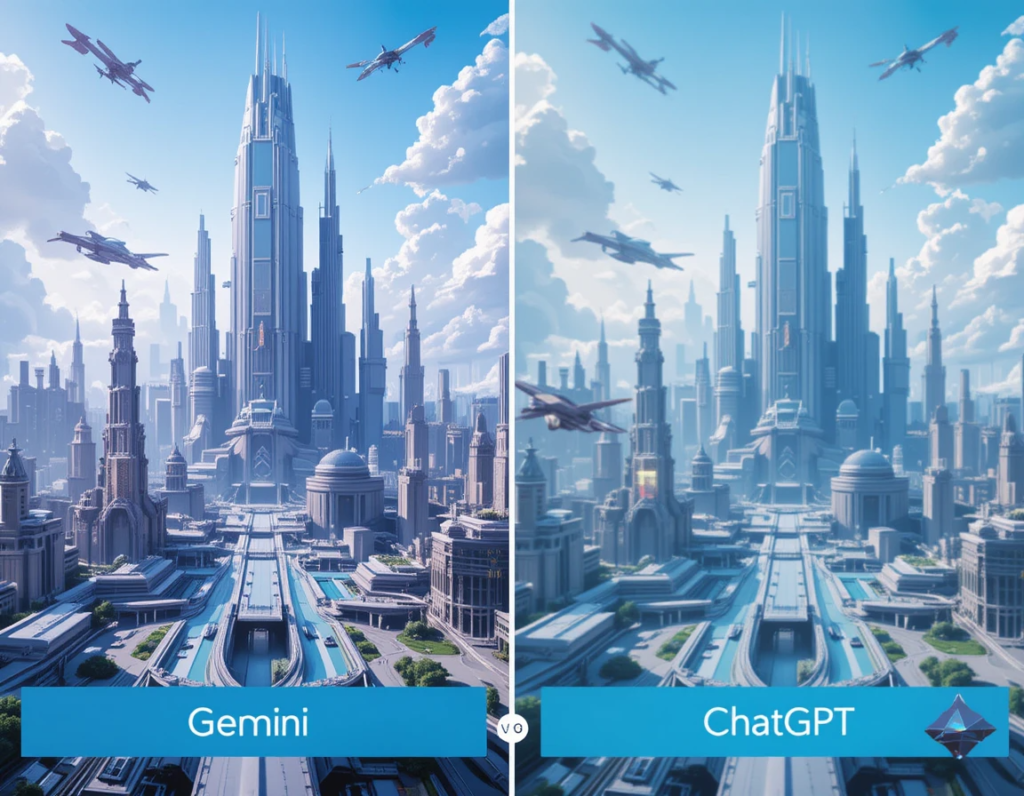
    Gemini produces images that often look like professional art. Their clarity, style, and relevance are top-tier. In test cases, Gemini images show high detail and creative flair. ChatGPT’s image outputs are more basic, focusing on simple scenes or icons. They work well for quick tasks but lack the polish of Gemini.

    Recognition and Analysis Precision

    Gemini’s object detection and classification are highly accurate. It can tell apart different objects and understand complex scenes. ChatGPT’s image analysis is useful in conversations. It describes images well enough but sometimes misses subtle details. Industry experts say Gemini is better for precision work, while ChatGPT is perfect for casual insights.

    Speed and Efficiency

    Both platforms handle requests quickly; Gemini can generate detailed images fast, especially in batch. ChatGPT processes images and provides explanations almost instantly. For high-volume tasks, Gemini’s specialization means faster results when creating or analyzing high-res visuals.

    Real-World Applications and Use Cases

    Marketing and Content Creation

    Gemini helps craft visuals for ads, websites, and branding. Its ability to create tailored images makes it a favorite among designers. ChatGPT excels at describing or tagging visual content, making it useful for content management and social media.

    Education and Training

    In schools, Gemini can assist in generating educational images or visual aids. It’s also used in teaching medical imaging or technical illustrations. ChatGPT helps explain images during lessons and supports learning through dialogue.

    Healthcare and Medical Imaging

    Images from Gemini and ChatGPT of the brain and who's is the best generated image from AI

    Gemini’s advanced recognition powers can aid in diagnostics and analysis of medical scans. It’s suitable for detecting anomalies or features in complex images. ChatGPT supports medical professionals by analyzing images during consultations or for quick explanations.

    Strengths and Limitations

    Gemini
    Strengths: Creates high-quality images, detects objects accurately, works well with Google’s tools.
    Limitations: Not always accessible for casual users, can be costly, and needs technical skill for advanced features.
    ChatGPT
    Strengths: Easy to use, integrates well with conversations, can analyze images within chats.
    Limitations: Still building image creation features; sometimes less accurate for complex tasks. Its recognition is simpler compared to Gemini.
    Expert Insights and Industry Perspectives

    Many AI research leaders believe multimodal AI will grow closer to human reasoning. Recent progress shows platforms like Gemini and ChatGPT are just starting to unlock their full potential. Challenges include making image recognition more precise and improving image generation quality. Experts suggest that combining both platforms’ strengths will shape future tools.

    Actionable Tips for Choosing Between Gemini and ChatGPT
    Pick Gemini if you need high-quality images, precise recognition, or professional-grade tools.
    Choose ChatGPT for easier, conversational tasks involving images, like explanations or simple analysis.
    Think about your technical skills and whether you need deep integration or just quick insights.
    Watch for upcoming updates to get even better features from both platforms.
    Conclusion

    Gemini and ChatGPT each have their strengths in handling images. Gemini shines at creating and analyzing high-quality visuals, perfect for professional tasks. ChatGPT offers a simple, conversational way to understand and work with images, great for more casual needs. To pick the best tool, consider what you need most—top-notch image quality or easy analysis. As AI advances, both systems will get even smarter. Keep an eye on their updates, and always choose the right platform for your specific tasks. With the right AI, your work with images will become faster, easier, and more creative.

  • The Ultimate Guide to AI Image Generation & Crafting Effective Prompts

    The Ultimate Guide to AI Image Generation & Crafting Effective Prompts

    Introduction

    AI image generation is revolutionizing the way we create digital art, design, and visual content. With AI-powered tools like Midjourney, DALL·E, and Stable Diffusion, users can generate high-quality images from simple text prompts. But to fully leverage these tools, mastering prompt engineering is essential.

    This guide will walk you through AI image generation, explain how to craft effective prompts, and provide SEO-friendly strategies to help your content rank higher on Google.


    What is AI Image Generation?

    AI image generation involves using machine learning models to create images based on text inputs. These models, trained on vast datasets, interpret and translate prompts into highly detailed visuals.

    Popular AI Image Generators:

    • Midjourney – Known for artistic and high-quality renders.
    • DALL·E – Developed by OpenAI, excels in detailed and creative compositions.
    • Stable Diffusion – Open-source and highly customizable.

    Each of these tools allows users to craft prompts that shape the final output, making prompt engineering a crucial skill.


    How to Craft Effective AI Image Generation Prompts

    A well-structured AI prompt ensures high-quality, specific, and aesthetically pleasing results. Here’s how to craft one:

    1. Use Clear and Descriptive Language

    Instead of a vague prompt like “a cat,” try “a hyper-realistic orange tabby cat sitting on a vintage leather chair, illuminated by soft morning light.”

    2. Include Style & Medium

    Specify an artistic style or medium, such as:

    • “Anime-style illustration of a futuristic cityscape”
    • “Watercolor painting of a snowy forest”

    3. Add Composition Details

    Include elements like:

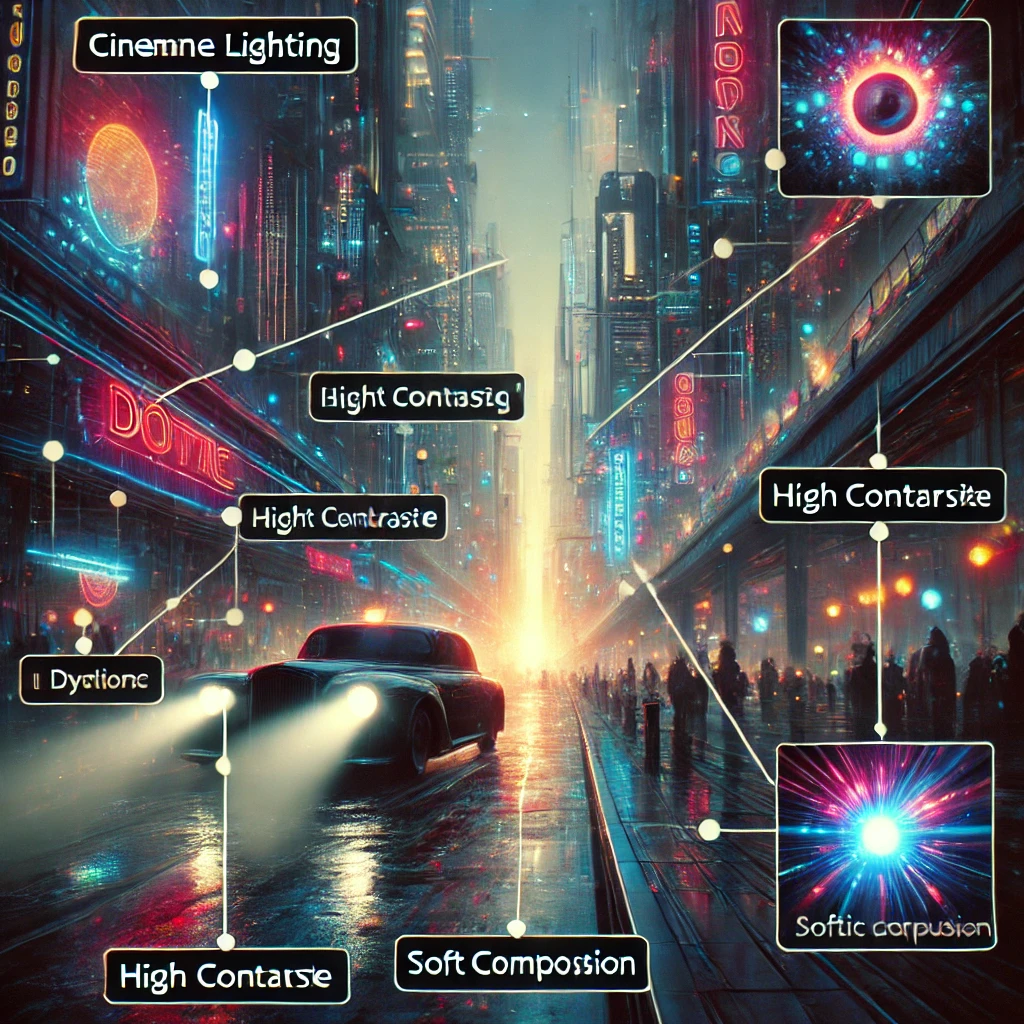
    • Lighting (cinematic lighting, soft glow, golden hour)
    • Camera angles (wide shot, close-up, aerial view)
    • Depth of field (sharp focus, bokeh background)

    4. Leverage Keywords for SEO

    Optimizing prompts for search engines can increase visibility. Consider using high-ranking keywords such as:

    • AI-generated artwork
    • Text-to-image AI
    • Best AI art prompts
    • Creative AI image ideas

    Advanced AI Prompt Techniques

    Once you grasp the basics, use these techniques for better results:

    1. Multi-Prompting

    Combine multiple elements in a single prompt:

    “A cyberpunk warrior with neon blue armor, standing in the rain, futuristic city skyline in the background, cinematic lighting.”

    2. Negative Prompts

    Some tools allow negative prompts to exclude unwanted elements:

    “A surreal dreamscape with floating islands –no blurry details, no distortion.”

    3. Experiment with Parameters

    Adjust model settings for better control:

    • Aspect Ratio (16:9 for landscapes, 1:1 for portraits)
    • Chaos Level (higher values for more randomness)
    • Weighting (prioritizing certain elements)

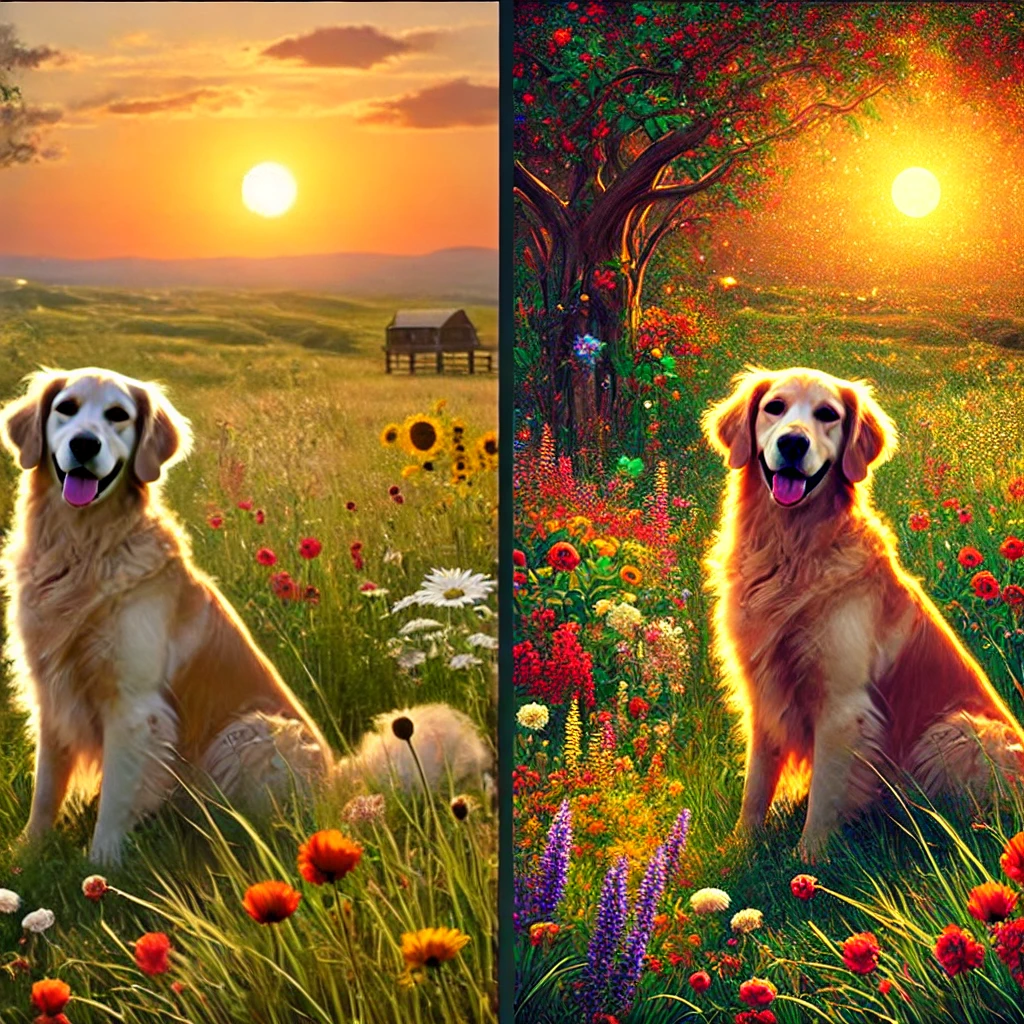
    A side-by-side comparison of a basic AI prompt vs. a detailed AI prompt showcasing the difference in image quality.

    Best AI Tools for Image Generation in 2025

    ToolStrengthsPrice
    MidjourneyHigh-quality, artistic imagesPaid
    DALL·ECreative, detailed compositionsFreemium
    Stable DiffusionOpen-source, customizableFree

    Using a combination of these tools allows for diverse creative possibilities.


    Monetizing AI-Generated Images

    With AI-generated art, you can explore various monetization methods:

    • Print-on-Demand (POD) – Sell AI art on t-shirts, posters, and home decor.
    • Stock Image Websites – List AI images on Shutterstock, Adobe Stock, or Etsy.
    • NFTs & Digital Art – Turn AI creations into NFT collections.

    By leveraging SEO-friendly descriptions and high-ranking keywords, your AI-generated artwork can attract organic traffic and potential buyers.


    Conclusion

    AI image generation is a powerful tool that unlocks endless creative possibilities. By understanding prompt engineering and leveraging AI tools strategically, you can create stunning visuals and even turn them into a source of income.

    Start experimenting with structured prompts, optimize for SEO, and explore different AI models to find your unique creative style.

    Related Articles:

    • [Best AI Art Generators in 2025]
    • [How to Sell AI Art Online]
    • [AI Prompt Engineering Tips]

    Meta Description:

    Learn how to create high-quality AI-generated images with effective prompts. Discover the best AI tools, SEO strategies, and monetization techniques for AI art.

    Tags:

    #AIImageGeneration #AIPrompts #TextToImage #AIArt #Midjourney #DALL-E #StableDiffusion #AIArtMonetization #DigitalArt #AIImageCreation