Tag: AI Technology

  • Meet Claude Haiku 4.5: The Next Evolution in Compact AI

    Meet Claude Haiku 4.5: The Next Evolution in Compact AI

    Claude Haiku 4.5 compact AI core with futuristic interface design.
    Introducing Claude Haiku 4.5

    Intro:

    AI models keep getting better and cheaper. Just five months back, Claude Sonnet 4 led the pack for coding tasks. Now, Claude Haiku 4.5 matches that power at one-third the price and over twice the speed. It even beats Sonnet 4 on jobs like controlling computers, which boosts tools such as Claude for Chrome to run faster and help more. This post breaks down how these shifts open new doors for everyday users.

    The world of AI is constantly changing, always bringing us something newer, faster, and smarter. Hence, when you think you think you know the newest AI tools, still, a new one is developed that changes everything. Today, we’re not just seeing a small update; we’re seeing a big step forward in how easy and helpful AI can be, with the launch of Claude Haiku 4.5.

    Accordingly, If you like making things, coming up with ideas, and getting work done productively – like a business owner with many plans, a marketer writing interesting stories, or someone who just enjoys new tech – Furthermore, Haiku 4.5 is more than just another AI. It’s a big deal, showing us where AI is going. It helps you do more, faster, and smarter, without spending a lot of money. And honestly, it’s pretty exciting.

    A New AI Arrives: Changing How We Do Things

    Just five months ago, Claude Sonnet 4 was seen as a top AI model, truly amazing. It could do wonderful things, showing what strong AI could achieve. Now, get ready, because that same great performance is here in a smaller, yet more powerful form.

    Meet Claude Haiku 4.5. This isn’t just a tiny update; it’s a new way to think about what a strong but small AI can do. Imagine this: it can write computer code almost as well as Sonnet 4, but it costs only a third of the price and works more than twice as fast. Think about that. If you run a business, handle projects, or just use AI, these numbers are huge. They make advanced AI tools available to many more people, helping new ideas grow everywhere.

    Haiku 4.5 isn’t meant to take the place of Sonnet or Opus; while it gives us another excellent tool, AI proves that great power doesn’t always need to be big or expensive. Proving without a doubt AI is always getting better and more helpful, making a real change in how we work every day.

    Strong Performance, Low Price

    Let’s look closer. When we say Haiku 4.5 writes code “as well as” Sonnet 4, we mean it can understand difficult coding rules, write good code, fix mistakes, and even help plan how computer programs are made. For coders, it’s like having a very helpful coding friend who is always there to assist.

    But the best part is how cheap it is. Saving two-thirds of the cost for the same performance is a huge deal for businesses. Imagine all the projects you can start, the ideas you can try, and the features you can build, all without going over your budget. For business owners, this isn’t just about saving money; it’s about getting more chances. You can try things faster, test more ideas, and grow your AI tools without the high prices usually connected to new technology. This is what a great small AI model does – it makes a big difference without costing much.

    And then there’s the speed – more than twice as fast. In today’s busy world, every moment counts, so speed isn’t just good to have, it’s a must. Faster answers mean people using it have a better experience, projects get finished sooner, and work goes more smoothly. Whether you’re a coder waiting for ideas, a customer service person needing quick information, or a creator making things fast, that extra speed means you get more done and have fewer delays. It helps keep things moving and stops work from getting stuck.

    Fast, Easy to Use, and Instant Help

    Professionals discussing Claude Haiku 4.5 AI efficiency and performance.

    So, who will get the most from Haiku 4.5’s smartness and amazing speed? Think about when you need answers right now, not just quickly.

    Chatbots: Imagine a customer service chatbot that replies right away, understands tough questions, and gives good help without annoying waits. This isn’t just about speed; it’s about making customers truly happy.
    Customer Service Workers: People working in customer service who use AI to get instant information or ideas will work much faster. No more waiting for the AI; Haiku 4.5 gives answers right away, helping staff solve problems quicker and with more confidence.
    Coding Helpers: For coders, having an AI that thinks with you, suggests code, finishes common tasks, or finds mistakes as you work is a huge help. It changes coding alone into a fast, team effort, making you get more done and feel less stressed.

    This isn’t just about how strong it is; it’s about how fast it replies, making AI feel like it’s part of your own thoughts. It gets rid of delays, making everything smooth and instant. Haiku 4.5 is great in these cases, showing that being smart doesn’t mean being slow. This is an important step in AI getting better, making these tools even more useful in quick situations.

    Better Coding with Claude Code

    If you write computer code, especially if you use Claude Code, Haiku 4.5 will make coding much faster and simpler. It’s a big step forward in how you work with AI when building things.

    Think about projects that use many AI programs working together. As AI is used more in coding, getting different AI tools to work together on a tough project can be hard if they are slow. Haiku 4.5’s speed means these AI programs can talk and work together super fast, making projects finish more smoothly and quickly. It’s like making your team’s communication go from old walkie-talkies to super-fast internet – everything just works better.

    Now, for quick testing and building (making early versions), Haiku 4.5 is perfect. Imagine quickly making new features, trying different ideas, or making designs better with an AI that matches your speed. Because it replies so fast, you wait less and do more. You can go from an idea to a working test model much faster, helping creative people and tech fans build their ideas quicker than ever. This speeds up new inventions, makes it easier to create complex tools, and encourages trying new things in software. This strong but small AI truly changes how we build and test ideas.

    AI Working Together: A Smart Team

    One of the best things about Haiku 4.5 isn’t just what it can do by itself, but how it lets us use different AI models together. This is a big step forward in how we make and use AI, leading to smarter, more flexible systems.

    If you can, imagine a very good music band. Each player is skilled, but the real magic happens when a leader guides them all. Here, Claude Sonnet 4.5 can be that leader. It’s very good at deep thinking, breaking down a hard problem into many smaller steps. Sonnet is great at solving tricky problems – understanding the details, planning the best way, and showing how to do it.

    After Sonnet 4.5 makes the plan, it can then tell many Haiku 4.5s to work on different parts of the plan at the same time. Each Haiku, being super fast and cheap, can do its part of the job all at once. This way of working at the same time isn’t just faster; it’s much better at getting things done. For example, Sonnet might decide a project needs five pieces of code, three data checks, and two reports. Instead of doing them one by one, it can give each task to a separate Haiku 4.5, which then finishes them incredibly fast.

    This teamwork opens up huge chances for big projects, from looking at lots of data to making many types of content. It means you get the best of both: Sonnet’s deep thinking for planning, mixed with Haiku’s fast, cheap work for getting things done. This is where AI getting better gets really exciting, letting us build stronger, bigger, and smarter systems.

    Smart Ideas for Everyone: Easy to Get

    One of the best and most important things about Haiku 4.5 is that anyone can use it: it’s also available for free!

    This isn’t a small detail; it’s a big deal about making advanced AI available to everyone. For people who like to play with tech, it means trying out new features without paying. For new business owners, it’s a chance to try ideas, create, and build without spending money first. For people who make content and marketers, it’s a way to use strong tools to make their work better, even if they don’t have much money.

    Making such a strong small AI available to everyone, whether they pay or not, sends a clear message: we believe that giving many people access will lead to new ideas and help individuals. This step makes sure that the good things about AI getting better are not just for the rich, but for anyone with internet and an interest.

    An abstract representation of data flowing and converging into a small, powerful sphere, symbolizing compact AI processing. Dynamic lines, vibrant colors (blues, purples, greens), digital art, high resolution, energetic feel, futuristic glow.

    What’s Next: More Than Just One AI

    Claude Haiku 4.5 is more than just a new version; it shows how much AI is trying to be helpful, smart, and easy to use. It makes us think again about what a strong AI model should be, proving that sometimes the biggest steps forward come in the smallest forms.

    For creative business owners, it’s a tool that helps them do more, saves money, and speeds up turning ideas into action. For people who make content and marketers, it’s a helper that makes work easier, brings new ideas, and gets results super fast. And for curious people who like hobbies and tech, it’s a chance to explore the newest AI, to build, try things out, and dream about what’s next.

    The future of AI isn’t just about making bigger, harder-to-understand tools. It’s about making smarter, more helpful, and easier-to-use ones. Haiku 4.5 shows this idea, taking a big step toward making advanced AI a common and useful tool for everyone. It’s a quiet change, yes, but its effects will be felt everywhere, changing how we work, create, and invent for many years.

    Frequently Asked Questions

    What is Claude Haiku 4.5?

    Claude Haiku 4.5 is the latest lightweight AI model from Anthropic. It handles quick tasks like chat and code with speed and smarts. This version boosts performance on short queries while keeping costs low.

    How does Claude Haiku 4.5 differ from earlier versions?

    It runs faster than Claude 3 Haiku, with better accuracy in math and logic. Responses feel more natural, and it uses less power for everyday use. Users notice quicker replies without losing quality.

    What are the main features of Claude Haiku 4.5?

    Key perks include real-time chat, simple coding help, and data analysis. It supports multiple languages and integrates with apps easily. Safety filters prevent harmful outputs right out of the box.

    Who should use Claude Haiku 4.5?

    It’s ideal for developers, writers, and small teams needing fast AI aid. Beginners find it simple, while pros like its efficiency for prototypes. Avoid it for heavy, complex projects.

    How can I access Claude Haiku 4.5?

    Sign up through Anthropic’s website or API partners like AWS. Free trials let you test it first. Paid plans start low for high-volume needs.

    Is Claude Haiku 4.5 safe and secure?

    Yes, it follows strict rules to block bias and misuse. Data stays private with end-to-end encryption. Regular updates fix any weak spots quickly.

  • Unlocking AI: How Microsoft’s Mu Makes Intelligence Simpler and Smarter

    Digital brain representing Microsoft Mu simplifying complex AI processes.

    Learn how this innovation is unlocking new possibilities in artificial intelligence.

    Clara’s desk was cluttered, but her monitor’s colors were always off. She spent her mornings searching for the brightness slider in Windows Settings. “It’s always just there,” she’d say, frustrated, “but where is there today?” This search took away from her creative time, leaving her drained before she even started.

    Her old PC couldn’t handle her needs for quick system tweaks.

    Then, she got a new Copilot+ PC, promising a new era of on-device AI.

    The world of artificial intelligence is changing fast. It’s moving from experiments to real changes in our lives. Microsoft is leading this change with AI that’s safe and secure. Microsoft Mu is a big step in this direction, bringing AI to your PC.

    Mu is not just an update. It’s a big change in how we use technology. It works fast and locally, making AI experiences better and more private. You don’t need the internet to use it.

    The Imperative of On-Device AI: Why Mu Matters Now

    AI has promised a lot, but it’s often been frustrating. Clara, a digital artist, spent hours in Windows Settings trying to fix her monitor’s colors. Her old PC couldn’t handle simple tasks, wasting her time.

    Microsoft Mu solves these problems. It works well on your PC, even when you’re offline. It makes everyday tasks easier and keeps your data safe.

    Decoding Mu: Understanding This Micro-Sized Powerhouse

    So, what is Mu? It’s a small, but powerful language model. Despite its size, it’s very capable. Mu is designed for small PCs and works fast, even offline.

    The Engineering Marvel: Mu’s Architectural Innovations for Peak Performance

    Mu’s design is truly brilliant. It’s small but powerful, thanks to its engineering.

    Encoder-Decoder Architecture: The Efficiency Game-Changer

    Mu uses a special architecture that’s different from old models. It has an encoder that changes your input into a fixed size, and then a decoder makes output tokens from that. This makes Mu very efficient, using less computation and memory.

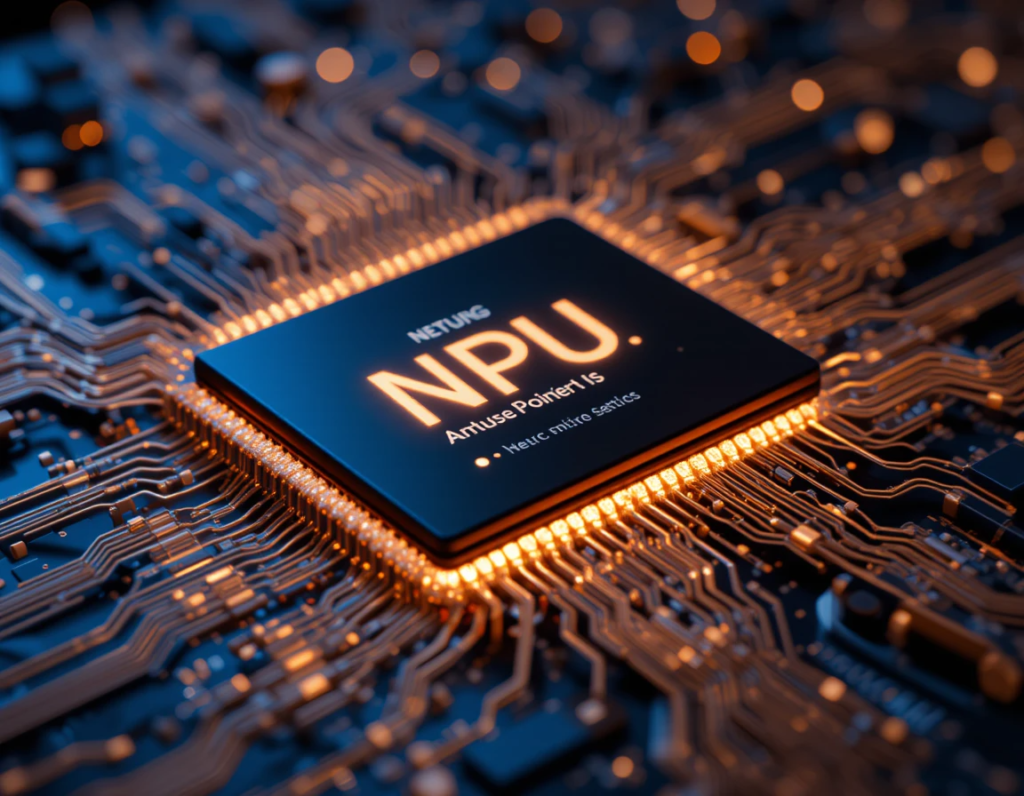
    On devices like Qualcomm Hexagon NPU, Mu is much faster. It’s about 47% quicker for the first token and 4.7 times faster for decoding. These improvements are key for AI that needs to work fast.

    Mu was made to work well on NPUs and edge devices. It was carefully designed to fit the NPU’s needs. For example, it uses the right sizes for operations to run smoothly.

    Mu also saves memory by sharing weights in certain parts. It only uses operators that the NPU can speed up. This makes the most of the NPU’s power.

    To get better accuracy and speed, Mu has three transformer upgrades:

    Dual LayerNorm (pre- and post-LN) stabilizes training without adding much overhead.

    Rotary Positional Embeddings (RoPE) help the model understand long sequences better. It can handle sequences longer than it was trained on.

    Grouped-Query Attention (GQA) reduces memory and latency by sharing keys and values. This makes the model faster and uses less power.

    Mu was trained on many GPUs and learned from other models. It started with pre-training on educational tokens. Then, it learned from Microsoft’s Phi models.

    Low-rank adaption (LoRA) methods helped Mu get even better. This made it very efficient in learning from task-specific data.

    Microsoft used advanced techniques to make Mu run well on devices. They changed the model’s weights and activations to use less memory and compute. This made Mu fast and efficient.

    Mu is now part of the Windows Settings AI agent. It helps change system settings easily. This makes it simpler to find and change settings.

    Mu’s AI agent is integrated into the Settings app. It responds quickly to user queries. For example, it can change settings in under 500 milliseconds.

    Remember Clara’s struggle with her monitor settings? She got a new Copilot+ PC and typed into the Settings search box: “Make my secondary monitor colors warmer” [conversation history]. Mu, the AI agent, quickly suggested adjusting the color temperature. With one click, her monitor’s colors were perfect [conversation history].

    She then asked for more complex settings: “Set my notifications to only show from my art software when I’m in fullscreen mode, and mute everything else.” Mu, designed for complex tasks, understood her query well. It offered a precise solution [conversation history, 37, 38]. Mu worked fast, processing over 100 tokens per second [conversation history, 44, 59].

    To achieve this precision, the Settings Agent’s training was carefully refined. Microsoft increased training samples by 1300 times and expanded settings coverage. They used synthetic labeling and diverse phrasing to improve the model. This way, the agent can handle short or partial-word inputs and multi-word queries for precise responses.

    The Mu-powered AI agent is now available to Windows Insiders in the Dev Channel. It works with Copilot+ PCs running Windows 11 Build 26120.3964 (KB5058496) or higher.

    The Broader Impact: Beyond Settings to a Transformed Future

    Microsoft Mu is more than a single feature. It’s a step towards a future where AI is part of our daily lives.

    The Rise of Intelligent Agents:

    Mu is part of a new generation of AI agents. These agents can handle complex tasks and work on your behalf. They are seen as the “apps of the AI era,” changing how we work and live. Microsoft ensures human oversight is key in this AI-powered world.

    AI Companions for Everyday Life:

    Outside work, Microsoft Copilot, powered by Mu, will be your AI companion. It will simplify daily tasks, save time, and protect your privacy. Imagine Copilot Daily summarizing news or Copilot Vision understanding web pages to help you.

    Efficiency and Sustainability at Scale:

    As AI grows, so does its need for resources. Microsoft is working to make AI more efficient and sustainable. They’re using custom silicon and liquid cooling for large AI systems. Microsoft aims to be carbon negative, water positive, and zero waste by 2030.

    Accelerating Scientific Breakthroughs:

    AI is also changing scientific research and innovation. It’s driving advances in supercomputing and biomolecular science. AI models like Mu are solving big problems, leading to new discoveries in drug development and sustainable materials.

    Conclusion: A New Era of Personal Computing

    Microsoft Mu is a big step in on-device AI, making AI experiences powerful and efficient on your PC. Its architecture and training show Microsoft’s commitment to AI advancements. Mu is changing how we interact with technology, making it more intelligent and seamless. This is a step towards a future where technology is deeply integrated into our lives, safely and securely.

    Take the Leap: Experience On-Device AI with Mu

    Are you ready to experience the next generation of personal computing?

    For Windows Insiders:

    If you have a Copilot+ PC, you can try out the Mu-powered AI agent in Windows Settings right now. Just install Windows 11 Build 26120.3964 (KB5058496) or higher. Provide your feedback to Microsoft as they continue to refine this groundbreaking experience! Explore Copilot+ PCs: Learn more about the hardware designed to unleash the full potential of these powerful on-device AI capabilities.

  • Gemini vs ChatGPT: Which Does a Better Job With Images?

    Gemini vs ChatGPT: Which Does a Better Job With Images?

    Introduction

    AI tools that can understand and create images have grown a lot in recent years. They turn simple prompts into stunning visuals and help analyze pictures for many uses. Whether you’re in marketing, design, education, or healthcare, picking the right AI platform matters. But how do Gemini and ChatGPT compare in handling images? Are they equally good at generating, recognizing, or explaining pictures? In this article, we’ll examine their features, performance, and real-life uses. By the end, you’ll see which one fits your needs best.

    Understanding Gemini and ChatGPT: An Overview


    What is Gemini?

    Google’s Gemini is a new AI platform focused on multi-use tasks. It combines different AI models to handle images, text, and more, all in one system. Gemini was built to be a versatile tool for creative projects and accurate recognition tasks. Recent updates have added powerful image recognition and generation features. With its deep ties to Google’s cloud and data tools, Gemini aims to be a top choice for businesses needing sharp, reliable image AI.

    What is ChatGPT?

    OpenAI’s ChatGPT is best known for conversation. It started as a text-based chatbot with impressive language skills. Recently, OpenAI added vision features so ChatGPT can now interpret images. This makes it a true multimodal tool, not just a chat robot. Unlike Gemini, which is geared towards image creation and recognition, ChatGPT uses images mainly to support dialogue and analysis. It’s designed for users who want simple, integrated AI for talking about pictures, not just creating them.

    Core Image Capabilities and Feature


    Gemini: Uses advanced diffusion models and other architectures to turn text prompts into images. It excels at producing high-quality visuals, capturing style and detail well. It can generate images from simple phrases or complex scenes with good accuracy.
    ChatGPT: Has recently started creating images, but it’s still limited compared to Gemini. Its focus is more on improving understanding and discussion of visuals rather than generating complex art. When it does create images, they are basic but improve with updates.
    Image Recognition and Analysis
    Gemini: Recognizes objects and scenes with high precision. It can classify and detect elements in photos for uses like medical imaging or surveillance. Its recognition features are fast and accurate, making it ideal for professional needs.
    ChatGPT: Can analyze images embedded in conversations. It recognizes objects and can describe what it sees, helping users troubleshoot problems or understand content. Its analysis is good for general use but less precise than Gemini for detailed tasks.
    User Interface and Accessibility
    Gemini: Offers a user-friendly interface for creators and developers. Integrated into Google’s ecosystem, it works smoothly within cloud platforms. While powerful, it’s best suited for professional or enterprise users.
    ChatGPT: Known for ease of use by both casual and professional users. Its platform is simple, with API options for integration. People familiar with ChatGPT enjoy talking about images without complex tools.
    Performance and Accuracy Comparison
    Quality of Image Outputs

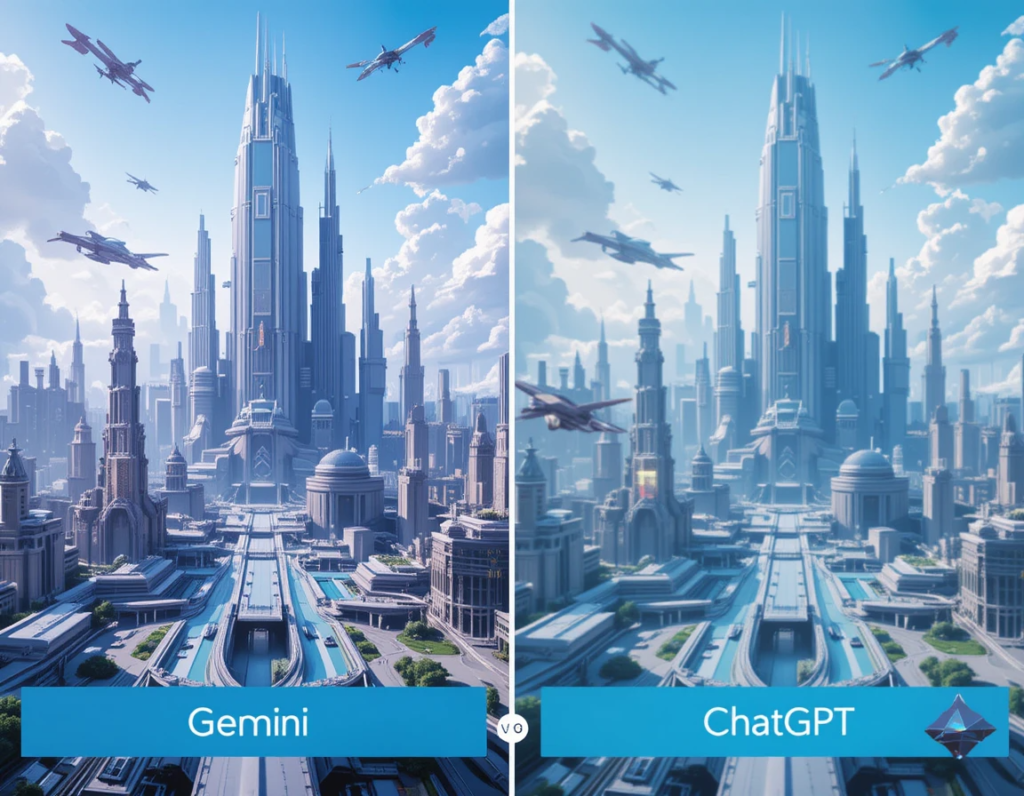
    Gemini produces images that often look like professional art. Their clarity, style, and relevance are top-tier. In test cases, Gemini images show high detail and creative flair. ChatGPT’s image outputs are more basic, focusing on simple scenes or icons. They work well for quick tasks but lack the polish of Gemini.

    Recognition and Analysis Precision

    Gemini’s object detection and classification are highly accurate. It can tell apart different objects and understand complex scenes. ChatGPT’s image analysis is useful in conversations. It describes images well enough but sometimes misses subtle details. Industry experts say Gemini is better for precision work, while ChatGPT is perfect for casual insights.

    Speed and Efficiency

    Both platforms handle requests quickly; Gemini can generate detailed images fast, especially in batch. ChatGPT processes images and provides explanations almost instantly. For high-volume tasks, Gemini’s specialization means faster results when creating or analyzing high-res visuals.

    Real-World Applications and Use Cases

    Marketing and Content Creation

    Gemini helps craft visuals for ads, websites, and branding. Its ability to create tailored images makes it a favorite among designers. ChatGPT excels at describing or tagging visual content, making it useful for content management and social media.

    Education and Training

    In schools, Gemini can assist in generating educational images or visual aids. It’s also used in teaching medical imaging or technical illustrations. ChatGPT helps explain images during lessons and supports learning through dialogue.

    Healthcare and Medical Imaging

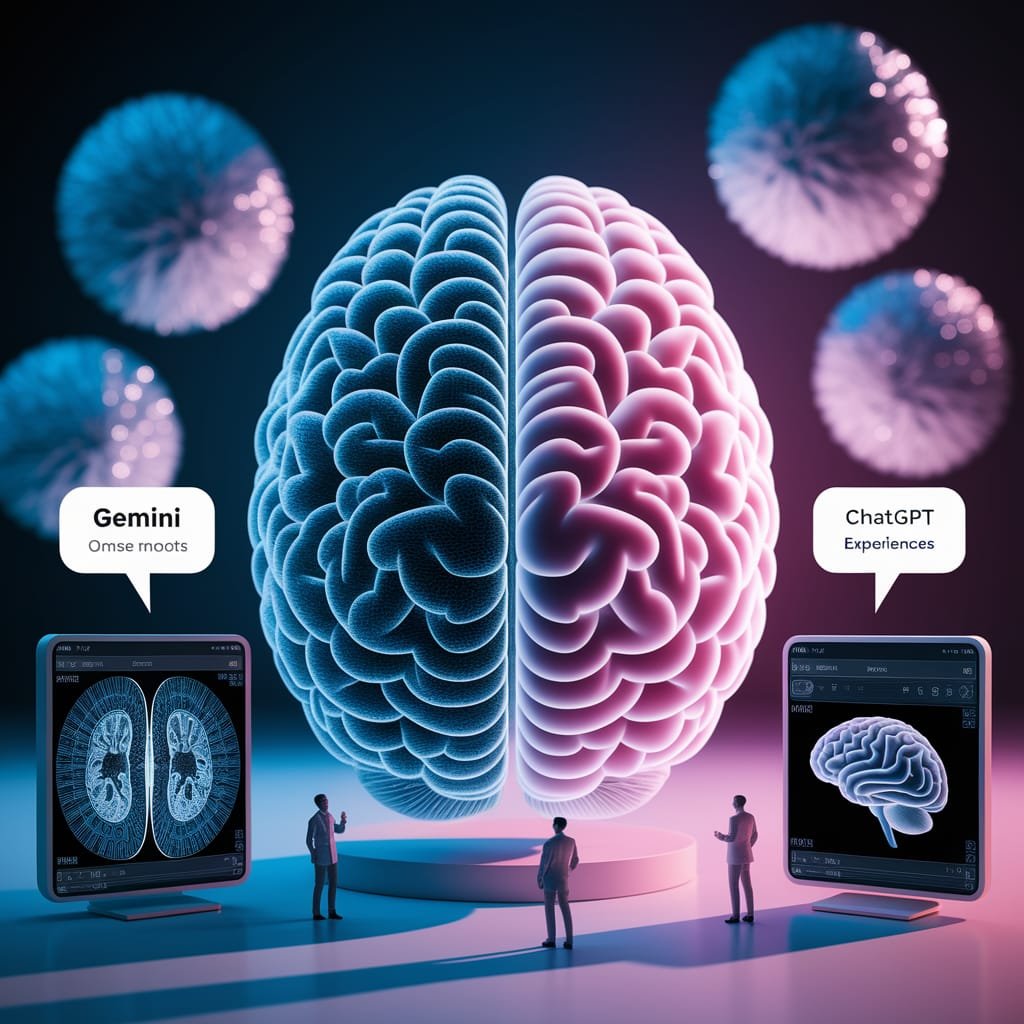
    Images from Gemini and ChatGPT of the brain and who's is the best generated image from AI

    Gemini’s advanced recognition powers can aid in diagnostics and analysis of medical scans. It’s suitable for detecting anomalies or features in complex images. ChatGPT supports medical professionals by analyzing images during consultations or for quick explanations.

    Strengths and Limitations

    Gemini
    Strengths: Creates high-quality images, detects objects accurately, works well with Google’s tools.
    Limitations: Not always accessible for casual users, can be costly, and needs technical skill for advanced features.
    ChatGPT
    Strengths: Easy to use, integrates well with conversations, can analyze images within chats.
    Limitations: Still building image creation features; sometimes less accurate for complex tasks. Its recognition is simpler compared to Gemini.
    Expert Insights and Industry Perspectives

    Many AI research leaders believe multimodal AI will grow closer to human reasoning. Recent progress shows platforms like Gemini and ChatGPT are just starting to unlock their full potential. Challenges include making image recognition more precise and improving image generation quality. Experts suggest that combining both platforms’ strengths will shape future tools.

    Actionable Tips for Choosing Between Gemini and ChatGPT
    Pick Gemini if you need high-quality images, precise recognition, or professional-grade tools.
    Choose ChatGPT for easier, conversational tasks involving images, like explanations or simple analysis.
    Think about your technical skills and whether you need deep integration or just quick insights.
    Watch for upcoming updates to get even better features from both platforms.
    Conclusion

    Gemini and ChatGPT each have their strengths in handling images. Gemini shines at creating and analyzing high-quality visuals, perfect for professional tasks. ChatGPT offers a simple, conversational way to understand and work with images, great for more casual needs. To pick the best tool, consider what you need most—top-notch image quality or easy analysis. As AI advances, both systems will get even smarter. Keep an eye on their updates, and always choose the right platform for your specific tasks. With the right AI, your work with images will become faster, easier, and more creative.