Tag: Free AI tools

  • Best Free AI Prompt Tools for Beginners

    AI can feel like magic, but the real trick is the prompt, the tiny spell that tells the genie what to do. Prompts are short instructions you give an AI, kind of like asking a smart friend for help with clear, simple directions. Say what you want, set the tone, add key details, then let the model do the heavy lifting. Do this well, and you get sharper answers, cleaner drafts, and faster wins.

    If you’re new, free tools make the first step painless. No credit card, no stress, just tap and try. You learn by doing, which beats reading a thousand tips. Plus, you pick up patterns fast, like how context, examples, and constraints shape better output.

    October 2025 is buzzing with handy updates, so it’s a great time to jump in. Tools are getting more personal and flexible, which means less guesswork. Taskade now lets you add your own notes or facts into prompts for tighter results, a huge help for emails, briefs, and blog outlines. AI Parabellum rolled out an AI Prompt Manager that keeps your best prompts organized, versioned, and ready to reuse.

    In this guide, you’ll find easy, beginner‑friendly picks that punch above their weight. You’ll see flexible prompt makers like Taskade and Feedough, plus smart helpers like AI Parabellum and WebUtility that tune tone and style for ChatGPT. We’ll also nod to Originality.ai for quick writing and code prompts when you just need a strong start.

    Grab a coffee, think of one small task you want done, and get ready to try a prompt or two. You’ll learn how to ask, what to tweak, and which free tools spark ideas on the spot. By the end, you’ll have a tiny toolkit that turns wild ideas into tidy outputs, fast and fun.

    Why Start with Free AI Prompt Tools? Easy Wins for New Users

    Free tools remove the pressure. No wallet, no setup maze, just type and see what happens. You get quick wins that build confidence, like turning a rough email into a clean draft or shaping a bland outline into a sharp plan.

    Beginner worries are normal. You might fear confusing the AI or wasting time. Friendly interfaces fix that with plain language, sample prompts, and guardrails. Templates act like training wheels, so you learn how to ask without guessing. It feels like a tiny prompt coach in your pocket, whispering, “Say it this way.”

    Close-up of hands typing on a laptop displaying ChatGPT interface indoors. Photo by Matheus Bertelli

    Here is why free tools are a smart first stop:

    • No commitment: Try 3 to 5 tools in under an hour.
    • Low risk learning: Test prompts, fail fast, tweak, repeat.
    • Fast experiments: See how tone, context, and examples change results.
    • No-login options: Many tools let you try a few runs before sign-up, a small but real relief.

    Quick example to prove the point:

    • “Write a polite refund email, keep it under 120 words, and suggest store credit.” You get a neat draft to edit, not a blank page stare-down.
    • “Turn my grocery list into a short story about a detective shopping for clues.” Boring chores become tiny adventures.

    If you want a trusted roundup to spark ideas, this quick review of prompt generators shows what free tiers can do, including simple templates and prompt examples: 5 Best AI Prompt Generators In 2025. If you code or want to dabble, this overview of beginner-friendly code tools maps free options by task: 10 Best AI code generators in 2025.

    Spot the Best Fits for Your First AI Tries

    Pick the tool by the job, not the hype. Start small, match your goal, then pick features that keep you moving.

    Use this quick guide to choose:

    • Writing fast: Look for tools with prompt templates, tone presets, and sample outputs. These remove guesswork and teach good structure.
    • Brainstorming: Choose generators with idea lists, one-click variations, and “expand or shorten” buttons. You get volume without chaos.
    • Kids or absolute beginners: Block-based or card-style prompts keep it visual and safe. Drag, drop, run, smile.
    • Emails and reports: Seek “insert context” fields and personas like “friendly support agent” or “firm project manager.” Precision beats fluff.
    • Coding tries: Find tools with code snippets, fix suggestions, and clear error notes. Even a basic “explain this code” button helps a lot.

    A simple map to speed your pick:

    Your goalTool style to tryWhy it helps
    Clean emails, short postsTemplate-based writerTeaches structure and tone with examples
    Ideas in bulkPrompt generator with variationsFast drafts you can prune in minutes
    Learning with kidsBlock-based interfaceSafe, visual, and fun to explore
    First coding stepsCode helper with explanationsShows how and why, not just output

    Beginner-friendly features that matter:

    • Templates: “Product review,” “lesson plan,” “bug report.” Clear starting points.
    • Examples: Side-by-side prompts and outputs, like training wheels.
    • Tone controls: Casual, formal, playful, serious. One switch, big change.
    • Context slots: Paste notes, requirements, or data into labeled fields.
    • Undo and variations: Try again without losing the thread.

    Tiny prompt tricks you can steal today:

    1. Add a role: “You are a helpful editor. Improve this intro for clarity.”
    2. Add constraints: “Keep it under 120 words, add two bullets, no emojis.”
    3. Add examples: “Match this style: short, friendly, direct. Example: ‘Thanks for your time. Here is the plan.’”
    4. Add audience: “Write for a 9th grader, plain words, short sentences.”

    If you want a first try that feels like coaching, start with a tool that shows three things on one screen: a template, a filled example, and a place to paste your notes. That mix teaches you faster than any guide. After a few runs, you will hear the prompts in your head, and that is when the magic happens.

    Top Free Tools to Experiment with AI Prompts Today

    You do not need a giant toolkit to start. You need a few friendly sidekicks that make your ideas sharper, faster, and more fun. These picks keep the learning curve small and the results big. Try one, then stack a second. Each tool below includes a quick example so you can test it in under a minute.
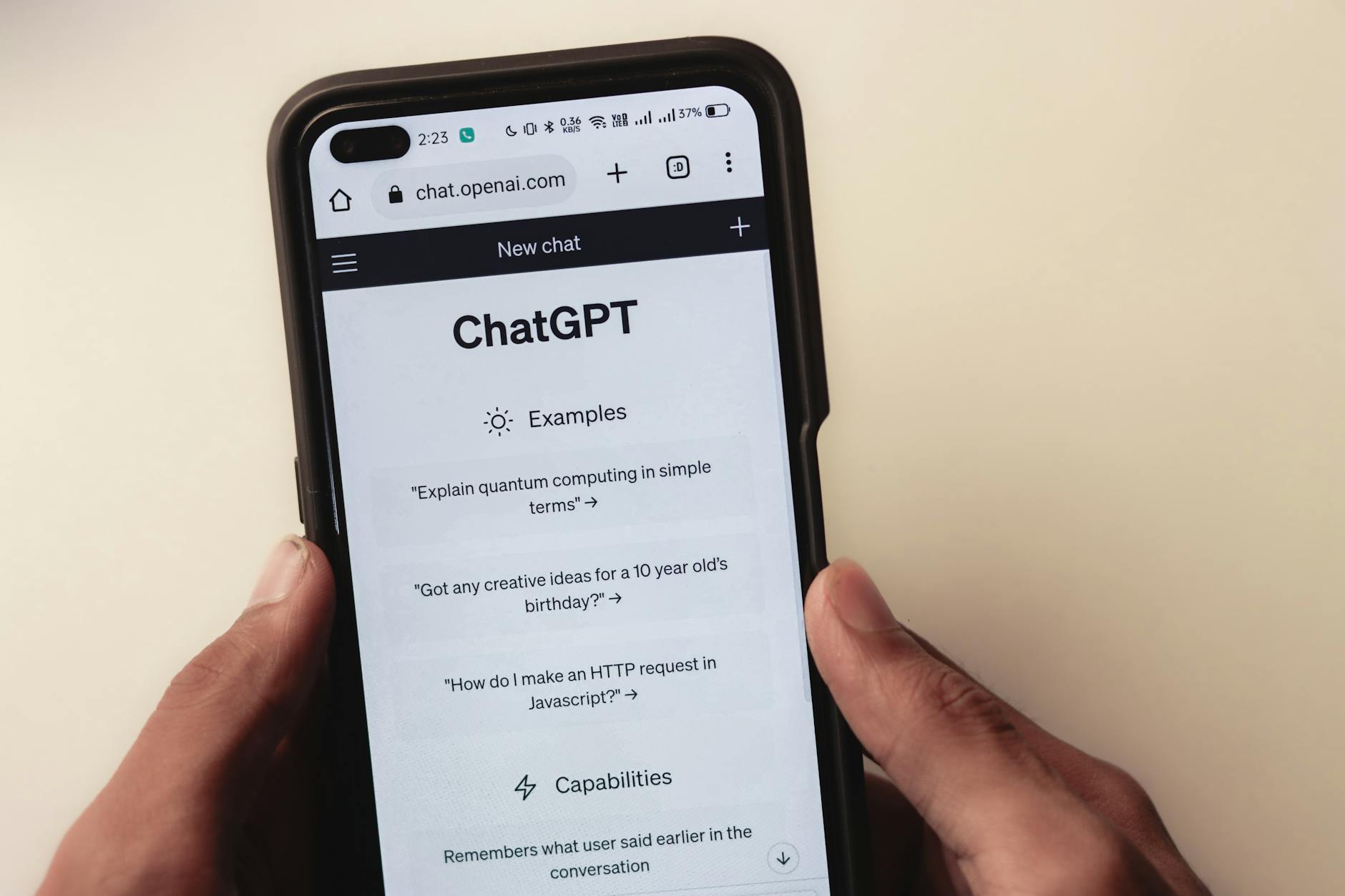
    Close-up of hands holding a smartphone displaying the ChatGPT application interface on the screen. Photo by Sanket Mishra

    Taskade AI Prompt Generator: Build Prompts Your Way

    Taskade is the calm coach that helps you write prompts that fit your voice. It works well for emails, briefs, and blog drafts, and it lets you add personal notes or context so the output matches your facts. You can shape tone, audience, and structure, then send the prompt into your favorite AI tool.

    • Why beginners like it: Simple interface, clear fields, and zero fluff. You can tweak and rerun fast.
    • Plays nice with others: Use Taskade to build prompts, then paste into ChatGPT, Claude, or Gemini.
    • Save time: Build once, reuse often for repeat tasks like weekly updates or outreach.

    Try this: “Write a fun story about a cat detective.” Add a note like, “Set it in a tiny bakery, keep it under 180 words.” Watch the tone lock in.

    Explore the tool here: Taskade AI Prompt Generator.

    Feedough AI Prompt Generator: Quick Polish Without the Fuss

    Feedough is speedy. No login, no detours, just a clean box that turns rough ideas into sharper prompts. It is great when you have a half-formed thought and need it tidy for ChatGPT or Midjourney.

    • Why beginners like it: Instant results with clear, detailed phrasing. Perfect for first drafts.
    • Use cases: Brainstorms, one-liners turned into structured prompts, quick tone fixes.
    • Saves time: Cuts the “how do I word this” struggle in seconds.

    Example upgrade: Turn “draw a dragon” into “Create a high-detail image of a jade-green dragon perched on a cliff at sunrise, mist swirling, 35mm lens feel, soft rim light, cinematic contrast.”

    Get it here: Feedough AI Prompt Generator.

    AI Parabellum: Smart Questions for Stronger Prompts

    Think of AI Parabellum as a prompt gym trainer. It asks guided questions that push your thinking, so your prompts get stronger and clearer. It is built for more complex needs and teaches structure you can reuse.

    • Why beginners like it: The questions show what details matter and why.
    • Strength: Step-by-step shaping of purpose, audience, tone, and constraints.
    • Speed win: You avoid vague prompts that waste time.

    Build a business email prompt step by step:

    1. Goal: “Announce a price change with a friendly but firm tone.”
    2. Audience: “Existing customers, small agencies.”
    3. Context: “Increase starts Nov 15, 10 percent, value add is faster support.”
    4. Constraints: “120 words, two short bullets, clear call to action.” Final prompt: “You are a helpful account manager. Write a 120-word email to small agency customers announcing a 10 percent price increase on Nov 15. Add two bullets on benefits, keep tone friendly but firm, and end with a link to schedule a call.”

    WebUtility ChatGPT Prompt Generator: Tune Your Chat Tone

    WebUtility focuses on conversational style. It makes it easy to shape tone, length, and reading level so your chats feel natural. Great for “explain it like I am five” moments or quick teaching notes.

    • Why beginners like it: Straightforward controls for tone and clarity.
    • Best for: Q&A prompts, short explainers, friendly support replies.
    • Time saver: Cuts rephrasing loops so you get usable text faster.

    Try this: “Explain quantum physics like I am five.” Add, “Use a toy example, three short sentences, friendly tone.” You get a clean, kid-proof answer on the first pass.

    Scratch with AI Extensions: Playful Coding for Young Experimenters

    Scratch turns AI into a digital playground. With block coding and AI extensions, kids and visual learners can build simple projects without touching complex syntax. It feels like stacking LEGO, but the blocks can see and describe things.

    • Why beginners like it: Drag, drop, run, smile. No code walls to climb.
    • What it can do: Image recognition, basic text prompts, fun interactive demos.
    • Great starter project: “AI that spots objects in photos.” Load a sample image, add a block that identifies an object, then speak the result with a cute character.

    Try this mini brief: “Identify the main object in this image, then say it with a goofy robot voice and show a speech bubble.” It teaches input, process, output in one tiny loop.

    Bonus Picks: Small Boosters That Punch Above Their Weight

    When you want extra polish without a full rewrite, these helpers act like pocket-sized sidekicks.

    • QuillBot: Quick rephrasing, tone options, and grammar fixes. Drop a clunky line, get a smoother one.
    • Gamma: Turn prompts into simple slides. Great for class notes, quick pitches, or team updates.

    Quick prompts to test:

    • QuillBot: “Rewrite this sentence to sound confident but friendly: I think we could try a different plan.”
    • Gamma: “Create a 7-slide deck that explains our new support process, with one visual idea per slide.”

    Key takeaway: Pick the tool that matches your task. Taskade gives structure, Feedough cleans phrasing, AI Parabellum teaches prompt muscles, WebUtility tunes tone, and Scratch makes learning feel like play. Add a bonus booster when you want polish or slides without the headache.

    Tips to Nail Your AI Prompts and Keep the Fun Going

    Great prompts feel like good recipes. Clear goal, right ingredients, simple steps. Start simple, add details, then taste test with quick variations. Use tool feedback to steer your next try. Stack tools when it helps, like drafting in a prompt generator, then polishing with QuillBot. Keep it playful, keep it tight, and you will see better outputs in fewer tries. Research backs this up, since clear prompts improve quality and reduce follow-up edits, which lines up with guidance on writing effective prompts from MIT Sloan’s primer on the topic: Effective Prompts for AI: The Essentials.

    Common Slip-Ups to Dodge for Smarter AI Results
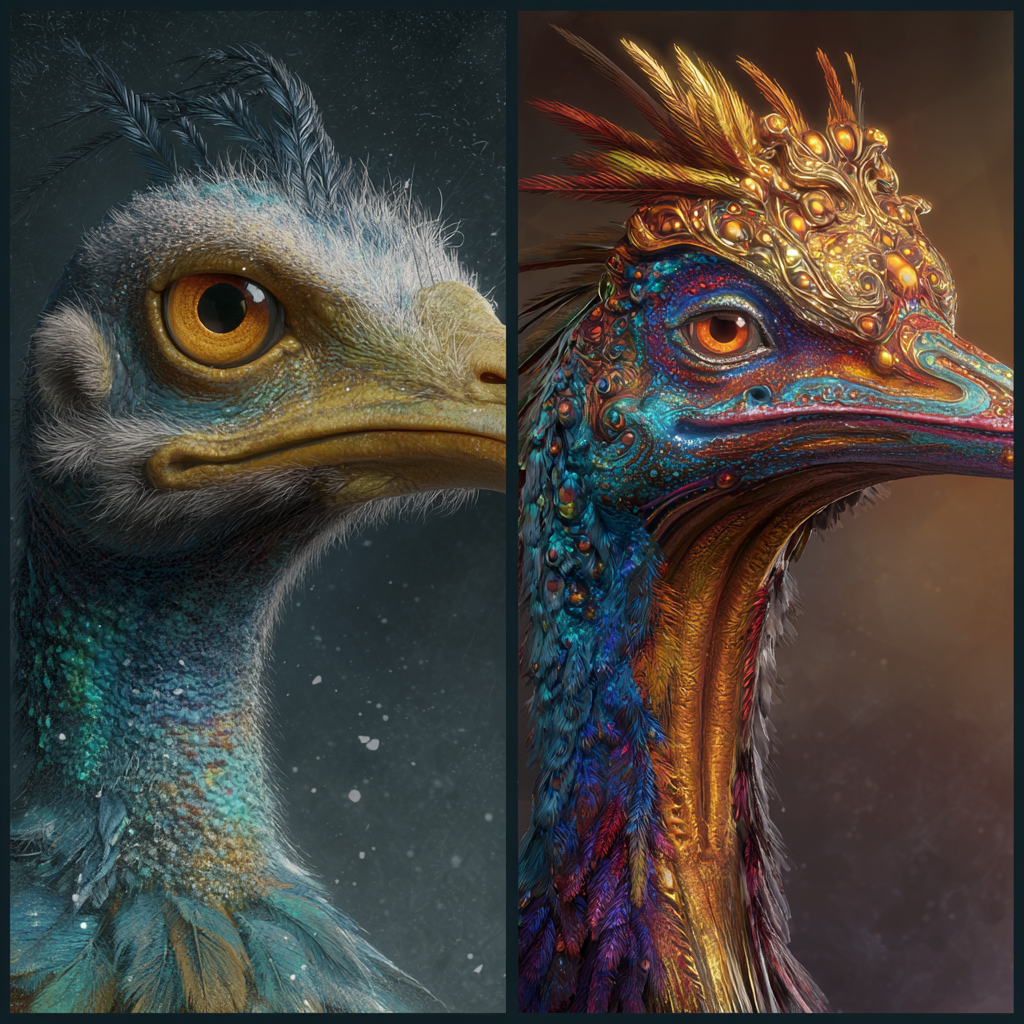
    A whimsical split-panel image: on the left, a comically absurd and poorly rendered creature or object, clearly a 'bad example' of AI generation, eliciting a chuckle. On the right, the same creature or object, meticulously refined and beautifully rendered with intricate details and vibrant colors, showcasing a dramatic improvement. Artstation, highly detailed, fantasy art, dramatic lighting, side-by-side comparison, photorealistic.

    Vague prompts invite weird answers. The fix is small tweaks, not a full rewrite. Use these quick upgrades and laugh at the bad examples, then improve them.

    • Too vague
      • Weak: “Make it better.”
      • Better: “Rewrite this paragraph for clarity, keep under 90 words, friendly tone.”
      • Funny fail: Ask “Summarize my doc” without pasting the doc, and the AI writes a summary of nothing. Very confident, very wrong.
    • Missing role or audience
      • Weak: “Explain SEO.”
      • Better: “You are a teacher. Explain SEO to a 9th grader in 5 short points.”
      • Quick rule: Add a role, audience, and output format.
    • No constraints
      • Weak: “Write a blog intro.”
      • Better: “Write a 60 to 80 word intro, punchy first line, one call to action.”
      • Constraint ideas: word count, bullets, tone, style, examples to match.
    • Overstuffed with fluff
      • Weak: “Please kindly, if you do not mind, could you possibly…”
      • Better: “Give 3 headlines, under 60 characters, active voice.”
    • Missing context
      • Weak: “Plan a launch.”
      • Better: “Plan a feature launch for a note-taking app, Gen Z users, budget is small, timeline 2 weeks, focus on TikTok.”

    Try this simple loop to iterate without chaos:

    1. Run your first prompt.
    2. Change one thing, such as tone or length.
    3. Rerun and compare.
    4. Keep the best line, drop the rest.

    Power users swear by this one-change rule to fix bad answers fast, a tip echoed in community threads like this practical walkthrough: AI Prompting Tips from a Power User.

    Quirky hacks to keep the fun alive:

    • Prompt chains for stories: Outline in one prompt, character bios in the next, scene beats in a third, final draft last. You build momentum and avoid plot soup.
    • Style grafting: Paste a short sample of your voice, then say, “Match this style,” with clear constraints.
    • Double-pass polish: Draft with a prompt tool, then paste into QuillBot for tone and flow. Fast glow-up.

    Friendly warning: AI can be confident and wrong. Add sources when facts matter, ask for citations, and sanity-check names and dates. Keep the big jobs in small steps, and you will avoid spaghetti output.

    Daily practice beats theory. Set a five-minute prompt sprint each day. Start simple, add one new detail, test a variation, and save what works. Your prompts will get sharper, your results will get cleaner, and the fun will stick.

    Conclusion

    You now have a simple starter kit that feels friendly and fun. Taskade shapes structure, Feedough cleans phrasing, AI Parabellum asks sharp questions, and WebUtility tunes tone. Scratch keeps learning playful, while QuillBot and Gamma polish and package your work. The vibe is light, the results are real, and the steps are small on purpose.

    October 2025 is a sweet spot for free access and fresh updates. Guided templates, gentle guardrails, and quick exports remove friction, so you can learn by doing. You do not need a big plan, just one clear task and a prompt or two.

    Pick one tool, run a tiny test today. Draft a 120 word email, spin up three headline options, or turn notes into a tidy outline. Save what works, rerun what almost works, and toss the rest.

    Tell me your first prompt win in the comments. What did you try, what did you tweak, and what surprised you. Your note might help the next beginner skip a stumble.

    This is the moment to build prompt habits that stick. The tools are getting faster, cleaner, and more personal, and the learning curve keeps shrinking. Start small, ship something, then add one new trick tomorrow. Your AI adventure awaits, no cape required.

  • The Top Free AI Art Prompt Tools You Can’t Miss

    The Top Free AI Art Prompt Tools You Can’t Miss

    AI art generators have become very popular in the last year. They’ve moved from being in beta to being widely used. With the best free AI art generators, you can make art from text online for free. I found that tools like DALL-E, Midjourney, and Stable Diffusion use AI to create art from text prompts.

    These tools have different features and pricing. For example, Canva’s basic version is free, but the Pro version costs $12.99/month for more AI tools. NightCafe starts at $6/month for 100 credits, which lets you make about 1,240 images a month. Whether you’re new to art or have lots of experience, there’s a free AI art generator for you. It can help you create art from text online for free.

    Key Takeaways

    • AI art generators use machine learning algorithms to generate art based on text prompts.
    • The top free AI art generators include DALL-E, Midjourney, and Stable Diffusion.
    • These tools offer a range of features and pricing options, from free tiers to subscription-based models.
    • Canva’s basic access is free, with a Pro version priced from $12.99/month for enhanced AI features.
    • NightCafe operates from $6/month for 100 credits, allowing for about 1,240 images monthly.
    • You can generate art from text online free using the best free AI art generators.

    Understanding AI Art Generators: A Beginner’s Guide

    To start with AI art generators, you need to know how they work. You also need to understand the role of prompts in creating amazing artwork. Writing good prompts is key to getting high-quality AI art. It helps the algorithm know what you want.

    For beginners, finding the right ai art prompt ideas can be tough. But, starting with simple and clear prompts is a good way to begin. As you try out different prompts, you’ll learn what works for your art. The main thing is to be clear and detailed, so the AI can create what you expect.

    Here are some tips for writing effective prompts:

    • Be specific: Clearly define the subject, style, and mood of the artwork.
    • Use descriptive language: Incorporate vivid adjectives and adverbs to help the AI algorithm understand the desired output.
    • Keep it concise: Aim for prompts that are brief and to the point, avoiding unnecessary words or phrases.

    By following these tips and practicing with different prompts, you’ll get better at creating AI art. Remember, the most important thing is to have fun and try new things. Don’t be afraid to experiment and see what works best for you.

    The Best Free AI Art Prompt Tools You Should Explore

    I’m excited to share with you the top free tools for AI art generation. These tools let you create stunning artwork without spending a lot. Let’s explore some popular options like DALL-E, Midjourney, and Stable Diffusion.

    These tools stand out for their unique features. DALL-E is known for its creative artwork. Midjourney is great for concept art and illustrations. Stable Diffusion offers hundreds of features and plugins, making it the most comprehensive.

    Here are some key benefits of using these tools:

    • Free to use, with no hidden costs
    • Ability to generate high-quality prompts in seconds
    • Access to a wide range of features and plugins
    • Ability to create unique images based on user prompts

    . These tools have been used to create stunning artwork, from portraits to landscapes. They’ve even been featured in various media outlets.

    In terms of pricing, some tools offer free plans, while others require a monthly subscription. For example, DALL-E offers two free images per day with its free plan. Midjourney starts at $10/month for around 200 images. Here’s a brief comparison of the pricing plans:

    Tool Pricing Plan
    DALL-E Free plan: 2 images/day, Plus plan: $20/month
    Midjourney Starts at $10/month for 200 images
    Stable Diffusion Free to use, with optional paid upgrades

    Overall, the best free AI art generators offer a range of features. They help you generate art from text online for free. Whether you’re an artist, designer, or just exploring creativity, these tools are worth checking out.

    Getting Started with AI Art Creation

    To start making AI art, you need to know the basics of using AI art tools. These tools look at patterns in art to make new pieces. This makes creating art easier and faster. With ai art prompt ideas for beginners, you can make amazing art even if you’re new to it.

    Here’s what to do for your first AI art project:

    • Pick an AI art tool that fits your needs, like PicLumen or MidJourney.
    • Learn how to write effective ai art prompts to get the look you want.
    • Try out different styles and methods to see what you like best.

    By following these steps and using ai art prompt ideas for beginners, you can discover your creative side. You’ll make impressive AI art. Always make your prompts clear and detailed for the best results.

    Essential Features of Free AI Art Generators

    When looking for the best free ai art generators, it’s key to know what makes them great. They let you generate art from text online free. This means you can turn your ideas into art without spending a lot. Tools like Open Art, Craiyon, and Picsart are popular for their unique features and limits.

    For example, Open Art gives you 1000 free credits. This lets you make up to 500 prompts without paying. Craiyon’s free version takes longer, about 1-2 minutes per prompt. Picsart, though, makes 4 designs for each prompt, with the option to make more.

    Some top features of these tools are:

    • Text-to-image generation
    • Image-to-image generation
    • Style transfer

    These features help users create many art styles, from realistic to surreal. Knowing what each tool offers helps you choose the right one for your art projects.

    best free ai art generators

    Mastering the Art of Prompt Writing

    To make great AI art, you need to know how to write good prompts. The secret is to make your prompts clear, short, and detailed. This helps the AI system understand what you want. When starting out, keep your prompts simple, with 3 to 7 words.

    Using the right words in your prompts can really change the artwork. For example, words like ‘warm’ or ‘ominous’ can set the mood. Also, mentioning famous artists can help the AI capture their style, like Picasso’s abstracts or Dali’s surreal scenes.

    • Medium: from 2D to 3D
    • Subject: the main part that grabs emotions
    • Details: add depth to the artwork
    • Style: inspired by artists past and present
    • Composition: how the art is arranged, lit, and viewed

    By getting good at writing prompts, you can make the most of AI art tools. You’ll create amazing pieces that show off your creativity and style.

    Advanced Prompt Engineering Techniques

    To create top-notch AI art, learning to write effective ai art prompts is key. Using specific keywords and phrases can guide the AI model. For beginners, using words like “vibrant,” “detailed,” or “surreal” can set the mood.

    Advanced techniques include Chain-of-Thought (CoT) prompting for better math answers. Self-consistency boosts accuracy by up to 23% in big models. Active Prompting and Tree of Thoughts (ToT) also outshine traditional methods, offering better problem-solving.

    When crafting prompts, think about the task’s needs. For example, aspect ratios can shape image outputs. Good prompt engineering mixes technical skill with strategic planning for AI communication.

    Some key takeaways for advanced prompt engineering include:

    • Using specific keywords and phrases to guide the AI model
    • Employing techniques like CoT prompting and self-consistency to improve accuracy
    • Considering parameters like aspect ratios to dictate specific output features
    • Strategically approaching communication with AI for controlled and consistent outputs

    Mastering these advanced techniques unlocks AI art’s full potential. You can create stunning, unique pieces that show your creativity and skill. Whether you’re new or experienced, learning to write effective ai art prompts is crucial for success in this fast-growing field.

    Technique Description Accuracy Improvement
    Chain-of-Thought (CoT) prompting Improves performance on mathematical queries Up to 40%
    Self-consistency Leads to significant accuracy improvements Up to 23%
    Active Prompting Outperforms traditional methods Up to 7%

    Maximizing Creative Potential with Free Tools

    Free AI art generators let me create art from text online without spending a lot. These tools offer unique features that boost my creativity. I can play with style, mix prompts, and try new things.

    Using free AI art generators has many benefits:

    • It makes creative tools available to everyone, not just pros.
    • It saves time by making art creation faster.
    • It turns text into visuals for social media and marketing.
    • It lets me make art that shows my personal style.

    Tools like Brain Pod AI and ImagineArt can make stunning visuals in seconds. They help me get past creative blocks. Both newbies and pros can try out different styles without needing experience.

    Style Manipulation Techniques

    Free AI art generators let me change styles in my art. This is great for artists and designers who want to try new things. It helps me make art that’s truly mine.

    Combining Multiple Prompts

    I can mix prompts to make complex and interesting art. This is perfect for those who want their art to show their unique taste. It lets me create something that’s all about me.

    Experimental Approaches

    Free AI art generators also let me try new things. This is great for artists and designers who want to be innovative. It helps me make art that’s truly unique.

    Tool Features Benefits
    Brain Pod AI Style manipulation, prompt combination Creates unique and stunning visuals, aids in overcoming creative block
    ImagineArt Experimental approaches, personalized artwork Allows for creation of personalized artwork, reflects individual tastes and preferences

    Community Resources and Support

    Exploring AI art creation can be more fun with community help. Online forums and groups are great for beginners. They offer ai art prompt ideas and a place to share your work.

    Knowing how to write good AI art prompts is key. Social media groups for AI art are also helpful. They let you show off your art, get feedback, and keep up with new trends.

    Online Forums and Discussion Groups

    • Join in on talks to find out about new tools and methods.
    • Post your art and get helpful feedback from others.
    • Work together with other artists on projects.

    Social Media Communities

    Social media groups keep you inspired and connected with AI art fans. By using these resources and learning from others, you can make amazing AI art. You’ll also get to explore your creativity fully.

    AI art community support

    Comparing Popular Free AI Art Tools

    Several best free ai art generators are available. Users can generate art from text online free with many tools. Stable Diffusion, Jasper Art, and DALL-E 3 are some of the most popular.

    Here is a comparison of some popular free AI art tools:

    Tool Image Accuracy Diversity of Artistic Styles Free Version
    Stable Diffusion Excellent Yes Yes
    Jasper Art Great Yes No
    DALL-E 3 Great Yes Yes

    These tools have many features. They include text-to-image generation and style transfer. With the best free ai art generators, users can generate art from text online free. This lets them explore their creativity without spending a lot.

    Tips for Building Your AI Art Portfolio

    Exploring AI art has shown me how crucial a strong portfolio is. A well-organized portfolio showcases my skills and creativity. It helps attract potential clients or fans. To start, I’ll organize my art into a narrative collection. This approach boosts viewer engagement by linking themes together.

    Choosing the right art styles and themes is key. Hyper-realism and surrealism are favorites for creating amazing AI art. I can also try out ai art prompt ideas for beginners or how to write effective ai art prompts to make unique pieces.

    To enhance my portfolio, getting feedback is essential. I’ll share my work on social media or forums. This way, I can connect with other artists and potential clients. By using feedback to improve, my portfolio will show off my skills and creativity.

    ai art portfolio

    • Organize your generated art into a narrative-driven collection
    • Experiment with different art styles and themes
    • Use ai art prompt ideas for beginners or how to write effective ai art prompts to create unique pieces
    • Share your work on social media or online forums to get feedback
    • Continuously improve your craft by incorporating feedback and trying new things
    Art Style Description
    Hyper-Realism A style that creates highly detailed and realistic images
    Surrealism A style that creates dream-like or fantastical images

    Conclusion: Embracing the Future of AI Art Creation

    The world of AI art generators has changed a lot. It’s now key to digital creativity. Google’s DeepDream and OpenAI’s DALL-E show what’s possible. Tools like Artbreeder and RunwayML make AI art easier for everyone.

    AI text and image generators are changing how we create. Artists and marketers can now do more. Free tools like Canva’s AI Art Generator, DALL-E Mini, and DeepAI show the future. They make creating art from text online free and easy.

    We’re entering a new era with best free AI art generators. There are challenges, but AI art tools are changing how we create. They make technology a part of art, not a replacement. The future looks bright, full of endless possibilities.

    Source Links