
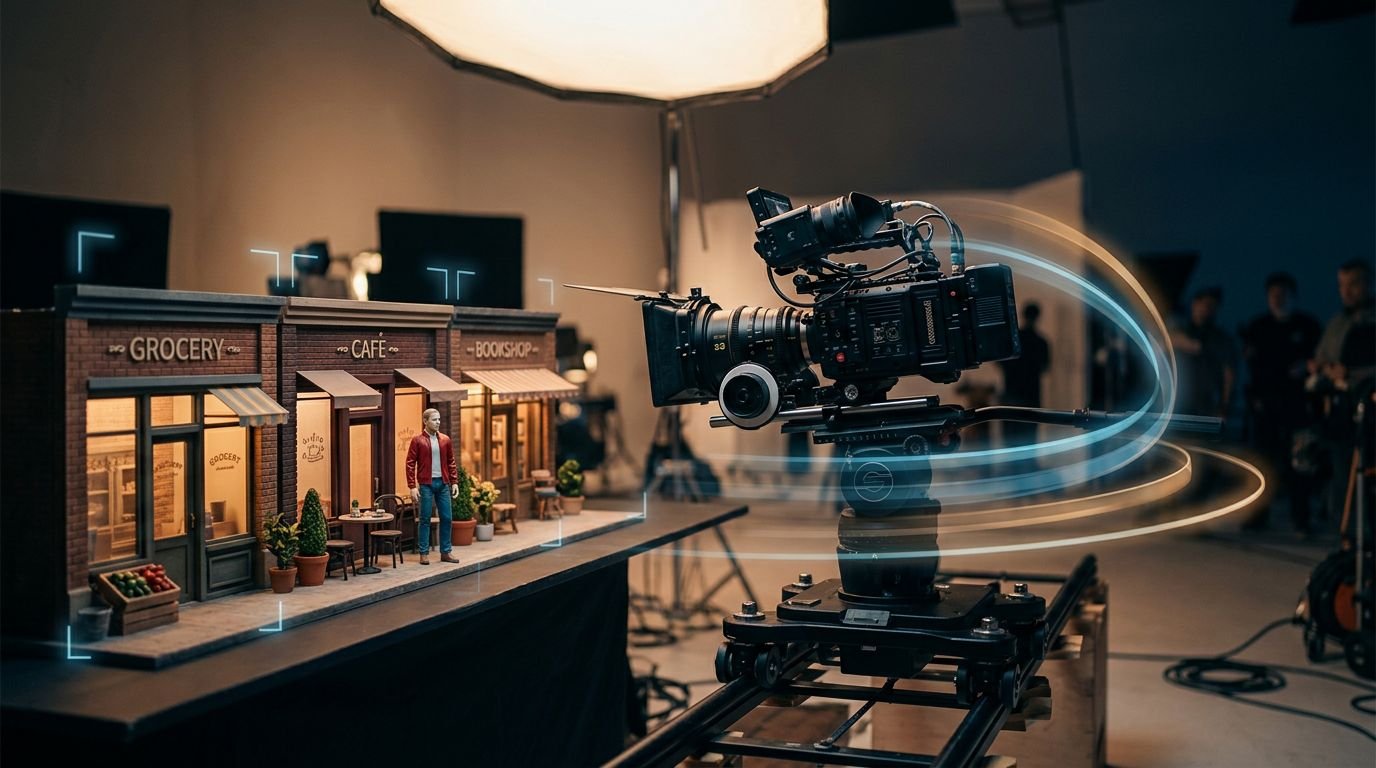
AI video generation can produce realistic videos for a moment, then lose continuity as the scene progresses. A jacket changes shade, a storefront shifts, or the camera slides through a wall.
Video generation prompts help you define a stable subject, setting, action, and camera path before the model fills in the gaps. A cinematic video benefits from a consistent visual style, but concrete anchors matter more than broad adjectives.
Start with a shot plan, then translate it into plain, visual instructions.
Key Takeaways
- Define stable subject, setting, lighting, and prop details before adding motion, then repeat those anchors across related shots.
- Give the camera one clear job by specifying the starting frame, direction, pace, and final frame.
- Match the prompt to the format: product videos need stable geometry, ASMR videos need precise tactile action and sound, and UGC videos need a natural presenter-led rhythm.
- Use reference images, structured fields, and one-shot-at-a-time generation to improve continuity across characters, products, and locations.
- When a result drifts, shorten the action, test a short clip, and change one variable per retry before adding more style or effects.
How Good Prompts Hold a Scene Together
A useful prompt does more than describe an attractive frame. Prompt engineering is the practice of defining facts that must remain true as time passes. OpenAI Sora can generate video from text or animate a still image. Clear scene anchors help every workflow produce realistic videos.
Lock the subject and the setting
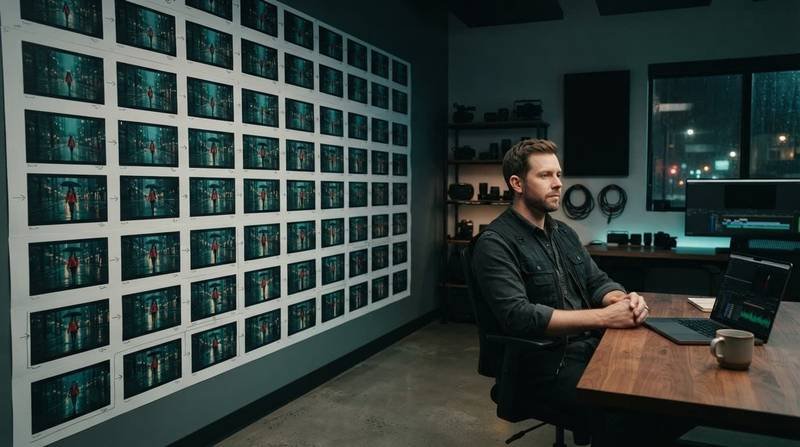
Before you write motion, create a compact scene bible to support character continuity. Give your character a stable identity, including age range, hair, clothing, posture, and a distinct prop. Then lock the environment with physical details that won’t change, such as “narrow brick alley, green metal fire escape, wet pavement, two amber streetlights.”
Repeat the same wording in every related shot. If your character is “Mara, a woman in her 30s with a short black bob and a rust-red raincoat,” don’t later shorten it to “a woman in a coat.” The model may treat that as a new person.
Also define the lighting and mood. “Light rain at blue hour, warm storefront reflections on the pavement” gives the scene a stable visual temperature.
Give the camera one clear job
Camera movements need direction, speed, a starting frame, and a relationship to the subject. “Slow dolly-in” is useful, but it becomes stronger when you state where the camera begins and ends.
A camera move is a spatial instruction. Include the starting frame, direction, pace, and final frame.
For example, write: “Start in a wide rear three-quarter shot. Make one slow tracking shot toward Mara as she walks forward. End at a medium shot, keeping her centered.” Avoid piling on a pan, orbit, handheld shake, and zoom in the same short clip. Conflicting movement verbs often cause unstable motion.
Copyable Prompts for Controlled Movement
Use placeholders for details that change, but preserve the structure. Your prompt should tell the model what remains fixed, what changes over time, and what the camera does.
A continuous scene prompt
Scene prompt
“Eight-second continuous shot. [Character name], [age range], with [hair detail], wears [fixed clothing] and carries [fixed prop]. They walk through [specific location with two permanent landmarks] at [time of day]. The ground is [surface detail], and the weather is [weather]. Start in a wide rear three-quarter shot. Make one clear tracking shot from left to right, staying parallel to the character. End in a medium side profile. [Character] walks at a steady pace and looks toward [fixed direction]. Lighting is [lighting description]. Audio: [one ambient sound and one foreground sound]. No new people, clothing changes, weather changes, or camera cuts.”
This works because each instruction has a separate role. The first sentences protect continuity. The middle sentences control framing and movement. The final constraints prevent the model from adding a surprise umbrella, passerby, or second location.
Match the prompt to the video format
Product ad videos need stable geometry, while ASMR videos need controlled micro-action and sound. UGC videos depend on an informal, direct performance from one person.
Product prompt
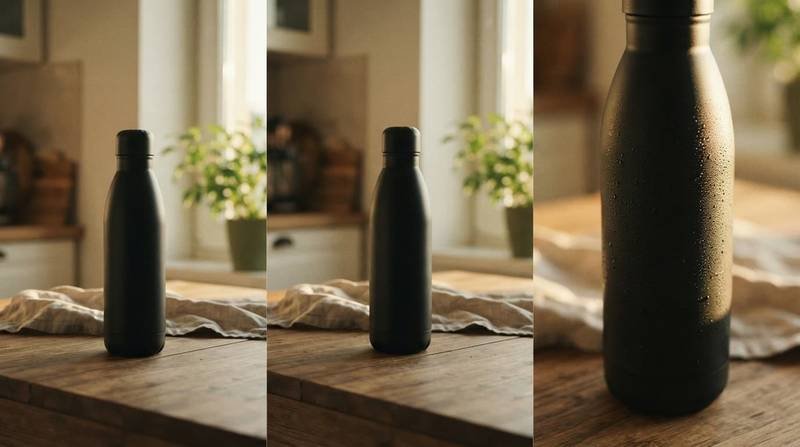
“Six-second product shot of the same [product] on [surface] beside [one background object]. Use golden hour window light with shallow depth of field. Begin with a locked wide shot. Make one slow lateral tracking shot across the product. End on a macro close-up of [surface detail]. The product stays unchanged and upright. No hands, no labels changing, no extra objects.”
For ASMR videos, replace the tracking shot with a macro close-up and name the tactile sound, such as paper crinkling or ice tapping glass. For presenter-led clips, use “exactly one presenter” and keep the camera at eye level with a restrained handheld feel. A product commercial needs precision. ASMR needs tactile focus. UGC needs a natural human rhythm.
Use Model Options Without Burying the Instruction
Platform syntax changes, but the underlying shot logic stays the same. Text to video starts with written direction, while image to video starts with an approved visual reference. Write clean prose first, then adapt it to your model’s fields and controls.
Sora, Veo, and audio cues
For Sora, define the subject, camera, lighting, motion, and desired sound. A rain scene becomes more coherent when you name “soft rainfall, distant tire spray, footsteps on wet pavement” instead of asking for “atmospheric audio.”
Google Veo 3.1 describes native audio generation. Still, audio availability can differ by product surface and plan. If your interface doesn’t expose audio controls, treat sound language as useful context rather than a guaranteed output.
Keep dialogue brief when you need it. State who speaks, the emotional delivery, and the timing: “Mara says one short line after she stops walking, calm voice, rain continues underneath.” ASMR videos depend on precise timing, so describe the action and sound together for better audio-visual sync.
Reference images, JSON, and multi-shot work
Image to video is often your best option for character and product continuity. Start with an approved reference frame, then prompt only what should happen next. A reference can carry visual details such as wardrobe, color, and shallow depth of field, while the text focuses on action, camera work, and temporal change. Runway’s image-to-video guidance follows this principle: the image already owns the appearance.
When a tool accepts JSON-style fields, use them to separate subject, setting, camera, action, lighting, and audio. This is useful prompt engineering because structure prevents omissions. It doesn’t improve vague instructions, and a visual style label can’t replace concrete visual facts.
For multi-shot prompting, generate one shot at a time. Carry the same reference image, subject description, wardrobe, lighting, and location details into the next shot. Where the interface accepts first and last frames, define the transition with two approved images rather than hoping the model guesses the edit.
Kling AI and Seedance also support multimodal or reference-based creation in some product surfaces. However, verify current controls before copying syntax from another generator. Specific AI model prompts rarely transfer word-for-word.
Troubleshoot Morphing and Unstable Camera Motion
A weak result usually points to one overloaded instruction. Use iterative prompting and practical prompt engineering: change one variable per retry so you can see what fixed the shot.
Stop character and object drift
Morphing often starts when a prompt describes too many actions or introduces contradictory details. A subject can’t realistically run, turn, pick up an object, laugh, and enter a vehicle in a five-second shot.
Shorten the action. Keep one wardrobe description. Use the same reference image whenever the platform supports it. For product ad videos, remove hands unless the interaction is central. Hands, fingers, labels, reflective surfaces, and extreme detail in a macro close-up can distort geometry.
If a character still changes between shots, strengthen the visual anchors. Repeat hairstyle, clothing color, prop, and location landmarks exactly. Do not replace those details with broad descriptors such as “cinematic” or “premium.”
Fix camera drift before adding style
Camera drift happens when the prompt asks for camera movements without a route. “Dynamic camera” gives the model little to follow. “Start at chest height, use a tracking shot beside the subject for three seconds, then stop at a medium profile” gives it a sequence.
Use one primary movement for each clip. A slow dolly-in can coexist with a character walking, but an orbit plus crane rise plus whip pan usually creates incoherent motion. If you need all three, split them into separate shots and cut them together.
Render a short test before committing to a longer sequence. For ASMR videos, check sound timing too. Review the first frame, midpoint, and final frame for changed faces, props, shadows, and camera position before adding visual effects.
Build a Prompt Library You Can Reuse
A prompt archive helps content creators store tested video production recipes, not a pile of attractive phrases. Save the prompt, reference image, model name, aspect ratio, result, and one note about what failed.
Keep video recipes separate from generic prompts
A prompt download offered free can be useful for ideas, but don’t download AI prompts as an anonymous bundle. You may get prompt packages for instant prompt access, yet a prompt library download has value only when it identifies the model, version, output type, and tested use case.
Your prompt repository should let you download prompt files as plain text and sort them by shot type. Keep a Midjourney prompt download, a Stable Diffusion prompt pack, and an AI art prompt package outside your video folder. Likewise, separate text generation prompts, creative writing prompts, and a ChatGPT prompt collection from camera-direction templates.
That organization makes it easier to find the right starting point when you need ASMR videos, a product showcase, a dialogue scene, or an image-to-video continuation.
Frequently Asked Questions
What should a video generation prompt include?
A strong prompt should define the subject, setting, action, lighting, camera movement, and any important audio. It should also state what must remain unchanged, such as wardrobe, props, landmarks, and weather.
How do I keep a character or product consistent across shots?
Repeat the same visual anchors and use an approved reference image whenever the platform supports it. Keep the wording for hairstyle, clothing, color, props, and location details consistent from shot to shot.
How many camera movements should one prompt contain?
Use one primary camera movement for each short clip, with a clear starting frame, route, speed, and ending frame. If a scene needs several complex movements, split it into separate shots and edit them together.
Why do AI-generated videos morph or lose continuity?
Morphing often comes from overloaded actions, contradictory instructions, or vague descriptions. Shorten the action, remove unnecessary objects or people, repeat concrete visual facts, and change one prompt variable at a time when testing fixes.
Should I use text-to-video or image-to-video?
Image-to-video is often better when character or product appearance must remain consistent because the reference image carries visual details. Text-to-video is useful when you need to define the entire scene from written instructions and do not have an approved starting frame.
Build the Shot Before You Generate It
The strongest video generation prompts direct one visible moment. Repeat continuity facts, limit the action, and define one clear camera route.
When a result drifts, test a short clip before adding detail. A fixed reference image and a well-kept prompt library can produce realistic videos you can build into an edit.
Leave a Reply