

Maya stared at another bland AI reply, the kind that says a lot yet helps little. She had a deadline, a draft, and a prompt that sounded fine. The output missed context, tone, and depth. It felt like shouting into a fog.
Here is the fix. Small tweaks to your prompt can flip vague answers into clear, useful results. In 2025, tools like GPT-4.1 and Claude 4 make this even easier. You do not need tech skills, just a smarter way to ask.
This post shows simple prompt tricks that work right away. You will learn how to set a role, add a goal, and give one key constraint. You will see how to ask for a format, set a tone, and name your audience. You will also learn to include one example so the model copies the style, not just the idea.
Expect quick wins. Think one-line upgrades, short templates, and repeatable patterns. You will go from “write about marketing” to “write a 120-word email for busy founders, friendly tone, short subject, two bullet points.” Better prompts, better AI results, less guesswork.
If you have ten minutes, you can get sharper answers today. Ready to turn short prompts into strong output, with zero stress?
Start Strong with Clear and Specific Prompts
Small details change everything. Tell the AI the task, the format, the length, the tone, and the style, and you cut out guesswork. That means fewer rewrites and faster wins. For a deeper dive into why clarity matters, see this practical guide on prompt structure in How to Write Effective Prompts for ChatGPT.
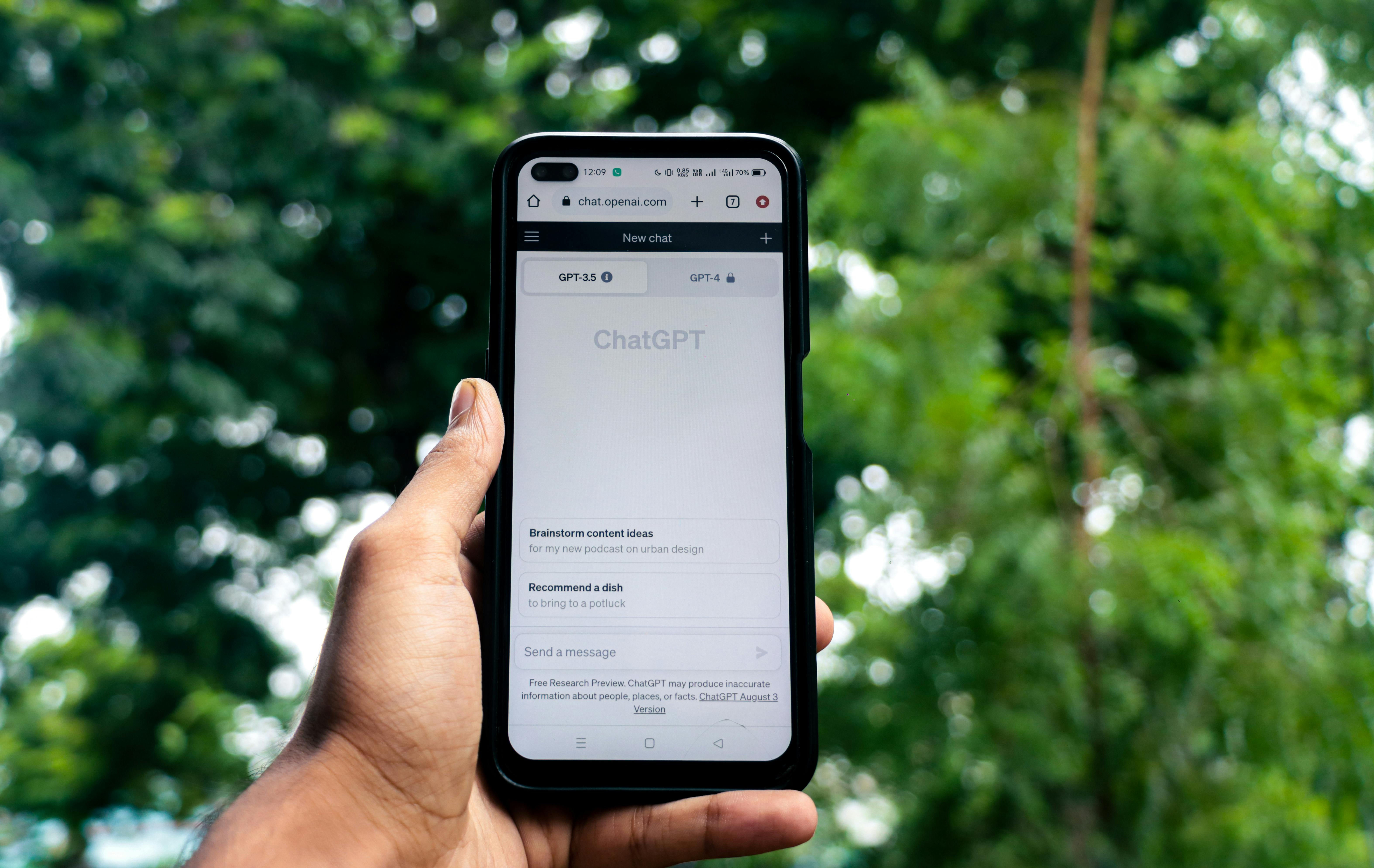 Photo by Sanket Mishra
- Task: what you want, in one line.
- Format: bullets, table, outline, email, or steps.
- Length: word count or range.
- Tone: friendly, formal, upbeat, or neutral.
- Style: simple, academic, persuasive, or playful.
Short, clear prompts also work well in quick zero-shot asks, like, “List three dinner ideas, 15 minutes each.”
Why Clarity Beats Vague Questions Every Time
Vague prompts force the AI to guess. Guessing leads to fluff, tangents, and edits. Clarity gives the AI rails. You get focused answers that fit your goal.
Job hunt example:
- Vague prompt: “Help with my resume.”
- Typical output: Long, generic tips with no structure.
- Specific prompt: “Rewrite my resume summary for a marketing analyst role, 60 words, confident tone, highlight Excel, SQL, and A/B testing.”
- Typical output: A tight, role-ready summary with the right keywords.
Another quick win for students:
- Vague prompt: “Summarize photosynthesis.”
- Specific prompt: “Summarize photosynthesis for 9th graders in 5 bullet points, plain language, include the role of sunlight and chlorophyll.”
- Result: Clear bullets you can study right away.
This saves time, reduces back-and-forth, and delivers useful info fast. For more structure ideas, see this breakdown of prompt best practices in How to Write AI Prompts For ChatGPT and Gemini in 2025.
Role-Play Your Way to Expert-Level Answers
Assign a role to shape voice and depth without extra effort. It sets context, tone, and the level of detail.
Try these:
- “Act as a career coach. Draft a 120-word cover letter for a junior data analyst, friendly tone, 3 short paragraphs, mention SQL and dashboards.” Output lands with hiring managers and fits the word count.
- “Act as a tutor. Explain the French Revolution to a 10th grader in 6 bullets, neutral tone, include causes and outcomes.” Output is clear, balanced, and age-appropriate.
- “Act as a chef. Plan a 3-night dinner plan for two people, 20 minutes per meal, include a single grocery list.” Output is practical and ready to use.
Everyday use:
- Email: “Act as a polite assistant. Write a 90-word follow-up email, warm tone, ask for a meeting, include two time options.”
- Meal plan: “Act as a nutrition coach. Create a high-protein, vegetarian lunch plan for 5 days, under 500 calories, bullet points.”
Level Up with Examples and Step-by-Step Thinking
Small prompts win quick tasks. Tougher jobs need structure. Give the model a pattern to mimic, then ask it to think in steps. New models like GPT-4.1, Claude 4, and Gemini 2.5 Pro pick up patterns fast and reason more clearly when you guide them. You get fewer bland answers and more work you can ship.
 Photo by Sanket Mishra
Few-Shot Magic: Show, Don’t Just Tell
Examples teach style, tone, and structure without long rules. You show the model what “good” looks like, then it mirrors the pattern. In 2025, in-context learning is stronger, so a few solid examples go a long way. For a quick refresher, see this short guide on Few-Shot Prompting.
How to use it:
- Use 2 to 4 examples that match your goal.
- Keep each example short, clear, and labeled.
- Stick to one pattern, like bullet length or sentence cadence.
Product description prompt you can paste:
- Role: You are a product copywriter for an online store.
- Task: Write a 70–90 word description with 3 scan-friendly bullets.
- Style: Friendly, crisp, benefits first.
- Examples:
- “Travel Mug, 12 oz: Locks heat for 6 hours, fits cup holders, leak-resistant lid.”
- “Yoga Mat, 5 mm: No-slip grip, quick clean, rolls tight for small spaces.”
- “LED Desk Lamp: Soft light presets, tap dimmer, neck bends for focus work.”
- Now write for: “Wireless Earbuds, 32-hour case, sweat-resistant, quick-charge 10 minutes for 3 hours.”
Why it works:
- The model matches phrasing, length, and rhythm.
- It reduces guesswork on format and tone.
- Too many examples create noise, so cap at four.
For more context, this 2025 overview lists top prompt techniques, including few-shot patterns, in Prompt engineering techniques: Top 5 for 2025.

Chain Your Thoughts for Smarter Solutions
Step-by-step prompts invite the model to reason, not just answer. Ask it to show the steps, then give the final result. This feels more human and improves accuracy on planning, puzzles, and math. A deeper explainer is here: Chain-of-Thought (CoT) Prompting.
Try these quick formats:
- Puzzle: “Think step by step to find the missing number in this sequence. Show each check, then give the final number.”
- Trip plan: “Plan a 3-day Tokyo visit. Outline goals, time blocks, travel time, then propose a schedule with reasons.”
- Recipe tweak: “I have almond flour and no eggs. List constraints, test swaps, choose the best, then output the final recipe.”
Why it works in 2025:
- New models keep longer context, so they can walk through options.
- They correct themselves mid-thought when you ask for steps first, answer second.
Tip: Ask for steps, but request a short final answer. You get clarity without a wall of text.
Polish and Perfect Your AI Outputs
Great prompts start the work, polished outputs finish it. Shape the format, test a few runs, then pick and refine the best. Think like an editor with a clear brief and a sharp red pen.
Demand Structure for Outputs That Wow
Structure turns chaos into clarity. Ask for bullets, a table, or even short code when it fits. Scannable formats help you spot gaps fast and ship with confidence. For extra control, many tools also support structured outputs, as discussed in this practical thread on prompts for structured output.
Try these copy-ready prompts:
- Report: “Create a 1-page monthly SEO report. Use 5 bullets, each starts with a metric, include trend and action in 12 words or less.”
- Comparison: “Compare three email tools in a table with headers: Feature, Cost, Templates, Ease. End with a 1-sentence pick and why.”
- Code-style checklist: “Return a JSON-like checklist with keys
task,owner,due,status. Include five items.”
Quick example table for a feature choice:
| Criteria | Option A | Option B |
|---|---|---|
| Cost | $ | $$ |
| Setup time | 1 hour | 1 day |
| Best for | Solo users | Small teams |
Finish with a brief summary line, “Pick A if speed, B if depth.”

Refine Through Trial and Smart Checks
Iteration makes results reliable. Start simple, review the output, then tweak one element at a time, such as audience, length, or format.
Self-consistency boosts trust. Run 3 to 5 versions, compare, and blend the strongest lines.
- Story ideas, Version A: “A chef who loses taste, learns flavor by memory.”
- Version B: “A courier who reads futures in street maps.”
- Version C: “A gardener who grows plants that keep secrets.”
Pick the best, then prompt, “Combine B’s hook with C’s stakes, 120 words, present tense.”
Try a light Tree of Thoughts pass for complex tasks. Prompt, “List three paths, outline pros and cons, choose the winner.” A helpful primer on this approach is here: Beginner’s guide to Tree of Thoughts prompting.
Keep a simple prompt journal:
- Date and goal
- What worked
- Final prompt snippet
- Example output slice
Key takeaway: precision plus practice wins in 2025, so structure your asks, test fast, and trust the best version.
Conclusion
Small moves, big lift. Clear tasks, tight formats, and named roles turn fog into signal. Add a goal, one constraint, and the right tone, and your output snaps into focus. Show a short example, ask for steps, and close with a crisp final answer. Structure it, test a few runs, then blend the best lines.
These tricks work today across GPT-4.1, Claude 4, and Gemini 2.5 Pro. Models keep changing in 2025, yet the habit stays gold. Clarity, pattern, and iteration keep your prompts sharp as tools evolve. Think of it as steady practice that pays every week.
Try one upgrade now. Rewrite a task with role, length, and audience, then share your win in the comments. Have two minutes, write a few-shot example and watch the tone land. Thank you for reading and pushing for better work.
Next step, experiment with prompts for work or fun. Draft emails, plan trips, test ideas, and ship faster. Better prompts, better results, less guesswork.
FAQ:
What are the easiest prompt tricks to start with?
Begin by setting a clear role for the AI, defining a specific goal for its output, and adding one key constraint to guide its response.
Do I need technical skills to improve my AI prompts?
Absolutely not. The tricks shared in this guide focus on smarter communication, not coding or advanced technical knowledge. Anyone can apply them.
How does providing an example help the AI?
Including an example helps the AI understand the desired style, tone, and format, allowing it to mimic those elements in its own generated content, beyond just the core idea.
Will these prompt tricks work with all AI models?
While effectiveness can vary slightly, core principles like clarity, context, and examples are universal and significantly improve results across models like GPT-4.1, Claude 4, and similar LLMs.
How quickly can I expect to see results from these prompt changes?
You can expect quick wins. Many of these are one-line upgrades that yield immediate improvements in the quality and specificity of AI outputs.