
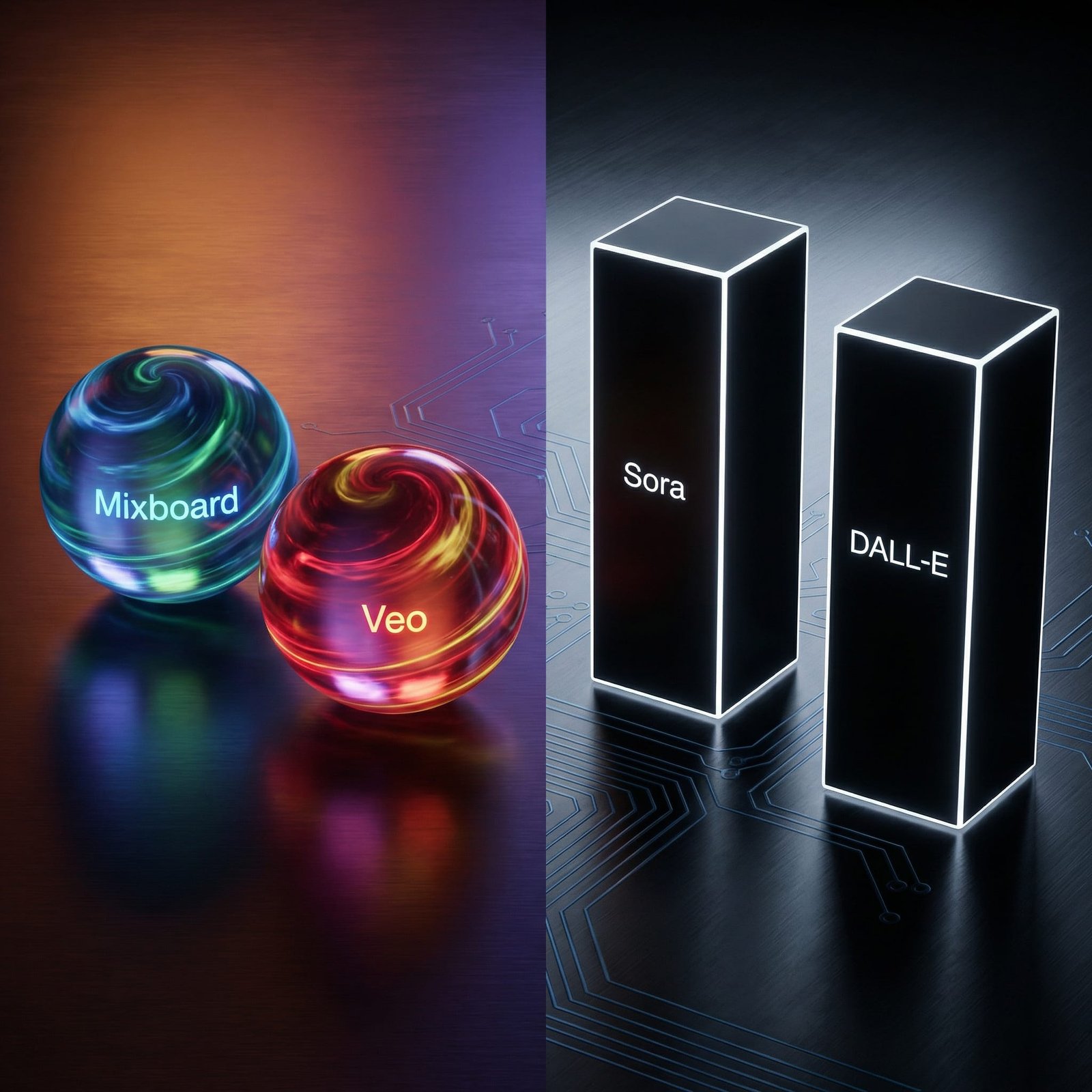
Google Veo vs OpenAI Sora: Is Veo Better Than Sora in 2026?
If you make videos for a living, this isn’t a fun side debate anymore. It’s a weekly decision that affects deadlines, budgets, and how many tools you have open at once. As of early 2026, Veo 3.1 and Sora 2 are two of the biggest names in generative video, and they’re pushing creators in different directions.
I keep hearing the same question in marketing chats and creator Discords: Is Google Veo better than Sora? The honest answer is, it depends on what I need to ship this week, ads, social clips, story moments, or a repeatable workflow my team can follow.
In this post, I’m doing a practical, creator-first comparison. No fanboy takes, no vague hype, just what matters when I’m trying to publish on time and keep quality high.
The rise of generative video, from novelty clips to real production
A year ago, most AI video felt like a proof of concept. It looked cool for a tweet, then fell apart when you tried to build a full sequence. In 2026, that’s changed. Motion is cleaner, shots hold together longer, and the big shift is that audio is now showing up inside the generators, not as a separate “fix it later” step.
That matters because video production is usually death by a thousand handoffs. Script here, visuals there, voice somewhere else, then editing, then sound, then captions, then exports. When the generator can produce footage that’s already close to “publishable,” I’m saving time in the most expensive part of the process, revisions.
What “good enough” means also shifted. I’m not asking these tools to replace a full crew for a brand film. I’m asking for fast turnaround and consistency: same character, same product, same vibe, without spending half a day patching mistakes in post. If the clip looks professional in a paid ad or a TikTok stitch, it’s doing its job.
If you want a snapshot of where the current conversation sits, this head-to-head coverage from Tom’s Guide on Veo 3.1 vs Sora 2 lines up with what I’ve seen in creator circles: Veo tends to look more “polished” out of the gate, while Sora tends to move like it understands the real world.
What “good” AI video means for marketers and creators in 2026
When I test tools like this, I don’t start with brand claims. I start with a checklist that maps to actual work.
Visual sharpness is first because compression is brutal on social platforms. If the source is mushy, the final upload is worse. Motion realism is next, especially for humans, hands, and fast camera moves. Then there’s character and object consistency, the thing that decides whether I can build a multi-shot sequence or just a single pretty clip.
After that, I look at prompt control, including camera language (push-ins, pans, lens feel) and whether the model follows directions without improvising. Clip length and extend tools matter because short clips can still work, but only if stitching and continuity aren’t a nightmare.
Finally, there’s audio quality and publishing fit. If audio is native but messy, I’m back to external tools. If export formats don’t match where my audience is (16:9 for YouTube, 9:16 for Reels), I’m losing time again.
The tradeoff nobody says out loud, control vs surprise
Here’s the tension I keep running into: some models feel like a directed shoot, others feel like a magic trick. The “magic” ones can surprise me with gorgeous moments, but they can also ignore brand rules or invent details I didn’t ask for.
In client work, I usually need control. Consistent product color, consistent logo placement, consistent tone. Surprise is fun, but revisions are not. For weekly content, surprise can actually help because it sparks ideas and gives me something fresh to cut around.
That’s why the Google Veo vs OpenAI Sora debate is really a workflow debate. Do I want predictable outputs I can systematize, or do I want a tool that might give me one clip that stops the scroll?
Google Veo 3.1, sharp visuals, cinematic prompts, and a Google-first workflow
Veo 3.1 feels like it was built for people who think in “shots.” When I write prompts, it responds well to director-style language: camera movement, framing, lighting cues, and transitions. In a marketing workflow, that’s gold because I can describe a product shot the way I’d brief a contractor editor.
Recent comparisons and creator tests in January 2026 also highlight Veo’s editing and control features, including scene extension and first and last frame guidance. Some surfaces report high-resolution output options, while many creator-facing exports are commonly discussed around 1080p. What matters to me is the look: Veo often lands crisp textures and clean lighting that reads as ad-ready.
Audio is a big deal here too. Veo can generate soundscapes, effects, and dialogue with lip sync in the same run. It’s not perfect, but it reduces the number of times I have to bounce between tools just to get a usable draft.
Access is another practical win. Veo 3.1 is showing up through Google’s ecosystem (Flow, Gemini experiences, and developer paths), which usually means more creators can actually use it without waiting on an invite.
For a deeper external breakdown of the feature set and tradeoffs people are reporting, I’ve cross-checked notes against this Sora 2 vs Veo 3.1 comparison guide, mainly to sanity-check where the community agrees and where it doesn’t.
The Veo features that help me move faster from idea to publish
When I’m trying to ship, these are the Veo-style advantages I feel right away:
- Predictable multi-shot structure: I can prompt in beats (establishing shot, product close-up, end card feel) and get outputs that cut together with less fighting.
- Extend and continuity tools: When I can guide first and last frames or extend a scene, I spend less time forcing a new generation to match the old one.
- Clean, ad-ready polish: Lighting and texture often look “finished,” which helps when a client wants premium without premium time.
- Audio in the same pass: Even if I replace it later, having dialogue and SFX early speeds up approvals because stakeholders can “feel” the spot.
Where Veo still trips me up
Veo isn’t a free pass. The biggest issue I still see is consistency across shots when the subject is a character or a specific product. I can get close, then a small detail drifts (a face shape changes, a pattern shifts, a logo warps). That’s the difference between “usable” and “client-safe.”
Generation speed can also be a factor. If I’m iterating fast, waiting on multiple renders slows momentum. And daily caps or usage limits can become real on heavy production days, especially if I’m doing variations for A and B testing.
My take: Veo is at its best when I treat it like a controlled shoot, not a slot machine.
OpenAI Sora 2, lifelike motion, believable physics, and story-first clips
Sora 2’s calling card is motion that feels natural. When it works, it looks like the scene has weight. People don’t glide, objects don’t float, and movement follows cause and effect in a way that sells the illusion.
In creator discussions and recent comparisons, Sora 2 is often described as strong on temporal consistency and physical believability, especially for action and complex movement. Clip length is still a practical limit for many users. Commonly reported ranges are up to about 15 seconds for standard access, with higher limits for some tiers, then you stitch longer sequences.
Access can also be tighter. Many people still describe full use as restricted or invite-gated, and there isn’t a public API in the way some teams want for production pipelines. On the upside, Sora’s placement inside the broader OpenAI ecosystem can make ideation fast, especially when you’re already writing scripts and concepts in the same environment.
If you want another multi-tool comparison that includes Sora and Veo side-by-side, this Sora 2 vs Gen-3 vs Veo overview is useful for framing what each tool prioritizes.
What Sora does best when I want wow-factor and natural movement
When I’m chasing realism, I notice Sora’s strengths in scenes like:
People walking through a space, with believable posture and timing. Hair and fabric reacting to motion instead of sticking to the body. Fast camera movement where the world holds together, not just the main subject. Animals moving in a way that doesn’t scream “animation.” Water, crowds, and busy backgrounds that still feel coherent. Simple action scenes where one event clearly causes the next.
If I’m making a short, punchy clip meant to earn attention, that physical “truth” matters more than pixel-level sharpness.
Where Sora can slow down a production workflow
The friction shows up when I try to build a full sequence. If each generation is a great single shot, I still have to stitch multi-shot scenes together, match pacing, and keep continuity. That can become a lot of manual editing work.
Audio can also be a mixed bag. Sora can produce strong synced sound for short clips, but I’ve seen creators mention unprompted music choices or sound layers that don’t match the brand tone, which means extra cleanup. Safety rules can limit certain concepts, and sometimes that’s the right call, but it can also block a perfectly normal ad idea that happens to look like a restricted category.
If my team can’t get consistent access, that’s the biggest blocker. A tool isn’t part of my workflow if only one person can use it.
The technical showdown, which one is better for my exact use case?
This is the part most comparisons skip. “Better” isn’t a single score. It’s whether the tool matches the job.
Across recent head-to-heads, a pattern shows up: Veo often wins on pro polish, prompt accuracy, and creator controls. Sora often wins on motion realism, physical believability, and that hard-to-fake feeling that a scene is “real.”
I keep both mental buckets handy. If I’m building marketing assets that need to look consistent and on-brand, I favor the tool that behaves. If I’m trying to earn attention with movement and emotion, I favor the tool that moves like life.
Side-by-side comparison I actually care about (quality, length, audio, control, access)
Visual quality: If I need a crisp, ad-like finish, my pick is Veo. If I need the scene to feel alive, my pick is Sora.
Clip length and extending: If I want a base clip plus extending and scene tools for longer sequences, my pick is Veo. If I only need short hero shots, my pick is Sora.
Audio reliability: Both can generate native audio, dialogue, and effects. If I need short synced dialogue that lands fast, my pick is Sora. If I want audio inside a broader, edit-friendly workflow, my pick is Veo.
Prompt control and camera language: If I’m writing prompts like a shot list (lens feel, pans, dolly-style movement), my pick is Veo.
Consistency across shots: Neither is perfect, but Veo’s “ingredients” and editing-style tools make it easier for me to push toward consistency. My pick is Veo for structured campaigns.
Speed and availability: If I’m blocked by access, the best model is the one I can actually use today. My pick is Veo for availability. My pick is Sora when I have access and only need a few high-impact renders.
A broader comparison that also looks at other generators can be helpful when you’re choosing a stack. This Veo 3.1 vs Sora 2 comparison roundup is one example of how people are benchmarking across tools.
My quick picks: ads, social content, product demos, and short films
- Performance ads for a new app: I pick Veo because I can control product shots and keep the look consistent across variants.
- UGC-style TikTok (talking to camera vibe): I pick Sora if I need natural human movement and believable micro-expressions.
- Explainer with voiceover and b-roll: I pick Veo because it’s easier to produce a set of clean shots that cut well under VO.
- Brand film mood piece (10 to 30 seconds stitched): I pick Veo when the priority is art direction and cohesive lighting, I pick Sora when the priority is lifelike motion in a few hero moments.
- Storyboard animatic for a client pitch: I pick Veo for predictable shot planning and faster iteration with less chaos.
- One-shot “wow” clip for social: I pick Sora because realism sells the moment.
Looking ahead, Google Nano AI and what the next Veo vs Sora round could look like
The next phase isn’t just “who makes prettier video.” It’s who reduces tool fatigue. That’s why I’m watching Google’s smaller, faster creation layers, often discussed as Nano AI (some communities even nickname it “Nano Banana”), and how those assets plug into Gemini and Google apps.
If Google makes it easy to generate consistent images, layouts, and brand bits in the same place where work already happens (docs, slides, ads workflows), then video generation becomes one step in a connected pipeline. For a busy marketing team, that can matter more than a 5 percent quality bump.
On the OpenAI side, I’m watching whether Sora becomes easier to use at scale, not just as a showcase tool. If Sora keeps its realism edge and adds stronger production controls, it becomes harder to ignore for serious work.
How Nano AI hints at Google’s end-to-end creative stack
I think the real Google advantage is integration. If my brand character, product packshot, and design templates live close to where I plan campaigns, then Veo can inherit those constraints. That’s how you get fewer off-brand outputs and fewer “fix it in Photoshop” moments.
In practical terms, I’m looking for tighter loops: generate an image asset, approve it, push it into a video scene, extend it, then export in the right format for YouTube Shorts or paid social without juggling five subscriptions. Even if each step isn’t perfect, the time saved on exports and handoffs is huge.
What I would watch for next from OpenAI
Here’s what would push Sora from “amazing clips” to “daily driver” for me:
- Broader access for teams, so I can build a repeatable process.
- Longer clips with stable continuity, so story sequences require less stitching.
- More predictable audio controls, so music and tone don’t get added without asking.
- Better multi-shot editing tools, like shot locking and consistent characters across scenes.
- Higher-resolution options, especially if Veo’s output keeps getting sharper in creator tools.

Conclusion
For my day-to-day work, Veo is often the better choice when I need polished marketing output and a workflow that stays organized. Sora is often the better choice when I need realistic motion and story moments that feel like they came from a camera, not a generator. The smartest way I’ve found to decide is simple: pick one project, run the same prompt in both, grade the results with a checklist, then commit for a month so I stop tool hopping. If you’re choosing between Google Veo vs OpenAI Sora, what are you making right now, ads or stories?
FAQ:
What is Google Mixboard?
Google Mixboard is an integration layer that glues various AI components like Veo and Nano Banana together for a seamless creative workflow.
How does Sora 2 compare to Google Veo?
While OpenAI’s Sora 2 focuses on high-quality specialized video generation, Google Veo emphasizes integration and consistency within the Google ecosystem.
Leave a Reply