

What if anyone could make fun, shareable videos that blow up online, using simple AI tools? You can. Today’s apps can write the script, build the visuals, add a voice, and slap on captions in minutes. No studio, no fancy gear, just your idea and a smart prompt.
AI makes video creation fast because it handles the heavy lifting. Type what you want, pick a style, and get a ready-to-post clip. New tools even offer hooks, pacing, and subtitles by default, so beginners can move from idea to upload in one session.
The real cheat code is in your prompts. Think of prompt hacks as secret instructions that tell the AI exactly what vibe, timing, and visuals to produce. Ask for a strong hook, keep it short, set a clear mood, and call out the format for TikTok, Reels, or Shorts.
In this post, you’ll get the exact prompts and tweaks that boost watch time and shares. You’ll see which tools are fastest for quick wins, which give you the best look, and how to guide them with simple, repeatable scripts. By the end, you’ll have plug-and-play prompts, time-saving tips, and a posting plan that helps your next video hit. Ready to try one today?
Pick the Best AI Tools to Build Your Videos Quickly
You do not need a studio to post scroll-stopping clips. These AI tools speed up scripting, visuals, voice, and edits, so you can publish more often with a tighter look. Use them to test hooks fast, keep your style consistent, and stack more wins per week.
InVideo AI: Turn Ideas into Full Videos in Minutes
InVideo AI turns a prompt into a ready-to-share video with script, stock shots, captions, and music. You also get huge stock media, team comments, and simple customization for colors, fonts, and layouts. It shines for social clips that hit hard in the first three seconds.
- Quick win: paste your hook, set length to 20–30 seconds, and pick vertical.
- Try the AI generator to auto build shorts from text with subtitles and B-roll. See the tool here: InVideo AI video generator.
- For more formats and presets, check the InVideo video maker page.
Canva: Easy Edits for Eye-Catching Social Posts
Canva is ideal for mixing video with bold graphics, captions, and stickers. The template library is huge, and the AI tools can resize, remove backgrounds, and suggest layouts that fit TikTok, Reels, and Shorts. That polish earns more saves and shares.
- Quick win: start with a trending Reels template, swap in your clips, then add punchy text on beat.
- Use the Canva AI Video Editor to auto-cut dead space and add music that matches the pace.
AI Studios: Add Human-Like Avatars to Your Clips
AI Studios by DeepBrain AI gives you human-like avatars with natural text-to-speech in many languages. Pick a template for a product pitch, quick ad, or explainer, then type your script. Personal touches like names, on-screen captions, and brand colors make it feel real.
- Quick win: open with an avatar greeting, then cut to product shots with captions and a call to action in the last five seconds.
Google Veo and Runway: Pro Videos from Simple Prompts
Use Google Veo for crisp, cinematic clips from text prompts, then polish inside Runway. Veo helps with motion, lighting, and style. Runway adds timeline edits, inpainting, upscaling, and text-to-video that is great for variations.
- Quick win: prompt Veo for a 5-second hook shot, then finish the 20-second piece in Runway.
- Fast viral ideas: before-and-after reveals, listicles with B-roll, meme remixes with bold captions, or quick duets that stitch a reaction.
Use These Prompt Hacks to Make AI Videos Pop
You do not need long scripts to keep people watching. Strong prompts set the tone, pick the best shots, and time the beats. Short-form viewers stick around when the opening hits, the story flows, and the visuals feel tight. Data backs it up. Nearly 6 in 10 short videos get watched for 41 to 80 percent of their length, so your first seconds and pacing matter a lot. See more in these short-form video statistics. Also, TikTok’s monthly time spent is massive, which means a great hook can spread fast. Check the latest attention span stats across platforms.
Hook Viewers Right Away with Strong Openings
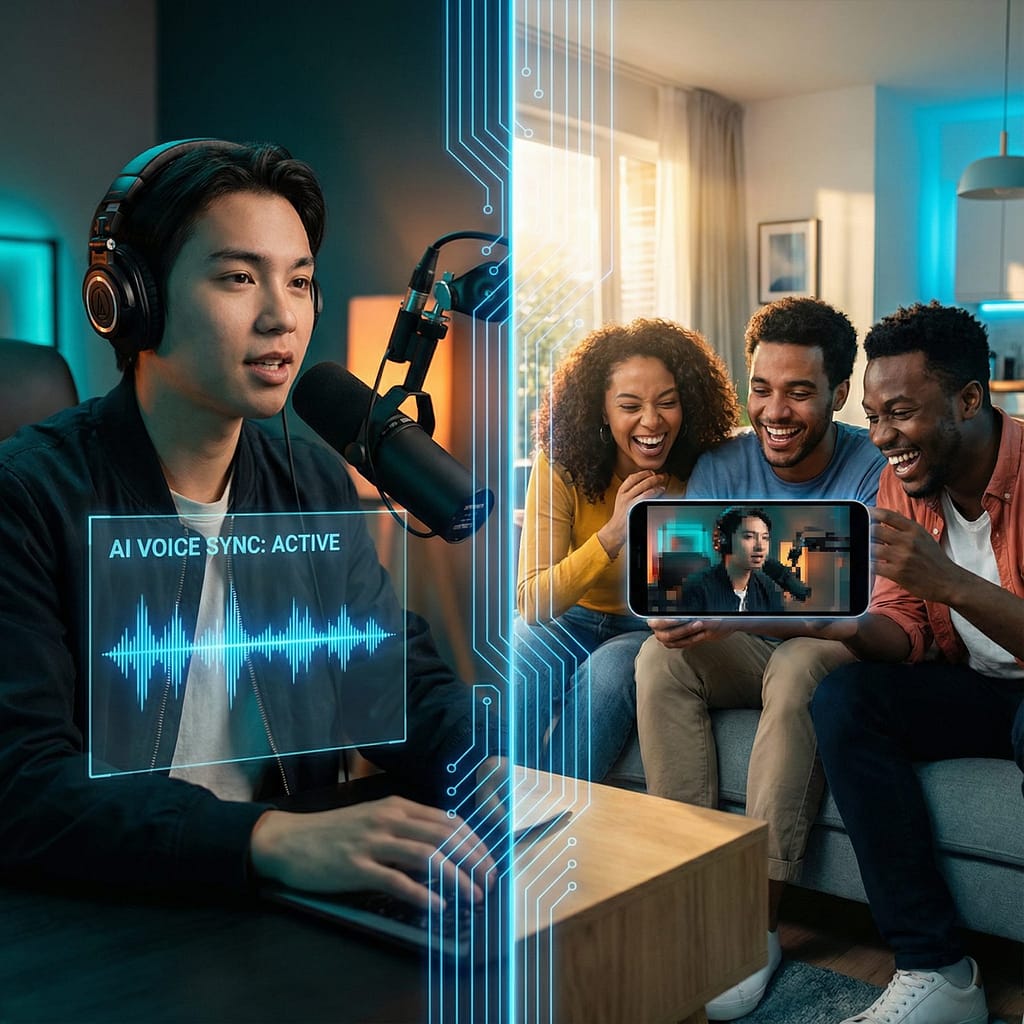
Your opening should do one of three things: share a surprising stat, crack a quick joke, or ask a simple question. That primes the viewer to wait for the payoff.
- Keep it to one sentence.
- Add a visual cue in the first second.
- Promise a result the viewer wants.
Example prompt for InVideo AI: Produce a high-impact, 20-second vertical video specifically for Instagram Reels, designed to educate quickly. Opening Hook: Immediately display on-screen text: "You’re losing 70% of views in 3 seconds." Visual Transition: Instantly cut to rapid B-roll footage of individuals scrolling on mobile devices. Narrative & Solution: Feature a witty narrator introducing the solution: "Let’s fix that in 3 steps." Audio & Visual Style: Employ bold, highly legible captions, sharp, punchy sound effects, and an energetic pop music track at 120 BPM to maintain engagement. Concluding Message: End with a prominent title card clearly stating the key takeaway: "Hook, Pace, Payoff." Mandatory: Enable auto-captions.
Tell Stories That Keep People Watching
Viewers stay for tension and payoff. Ask the AI for a simple arc: setup, problem, solution, result. Add emotion words to guide tone.
- Use time boxes: 5s setup, 10s middle, 5s payoff.
- Call out the feeling for each beat, like surprise, relief, or pride.
Example prompt for Runway: Craft a high-impact 25-second social media video concept, designed with a bright and modern aesthetic, showcasing a creator's journey from a common trend mishap to mastery. Opening (0-5s, Engage Curiosity): The creator attempts a popular, visually appealing trend but encounters an immediate, relatable setback or humorous blunder. Mid-Section (5-15s, Build Tension/Solution): Present three distinct, rapid-fire visual demonstrations of corrective actions or expert tips, utilizing quick cuts and informative on-screen graphics/overlays to highlight the solutions. Climax (15-25s, Deliver Relief/Impact): A compelling before-and-after split-screen reveals the significant, polished transformation, emphasizing the successful outcome. Production Style: Maintain subtle, organic camera motion. Utilize warm, inviting lighting throughout. Feature a confident, instructional voiceover. Implement dynamic, verb-triggered kinetic typography for captions.
Boost Appeal with Smart Visuals and Sounds
Write what you want to see and hear. Name colors, angles, textures, and music mood. Ask for seamless stock, not random clips.
- Use 1 color family and 1 font for brand recall.
- Call out sound hits that match on-screen actions.
Example prompt for Canva: Produce a dynamic 30-second vertical video designed for social media Reels, showcasing hands-on professional work. Integrate your logo prominently. Feature three distinct stock clips depicting detailed, hands-on work, complemented by concise, bold text overlays that highlight key messages. Adhere to an electric blue and white color palette, using Montserrat font for all text. Implement energetic swipe transitions synchronized precisely with the beat of a modern hip-hop track featuring light bass. Position captions mid-screen, utilizing white text with a black shadow for optimal readability. Conclude the video with your custom voiceover delivering the tagline. Ensure the final export includes burned-in captions and is formatted with safe margins suitable for Instagram Reels.
Turn Your AI Videos into Viral Hits with Smart Strategies
 Photo by Pavel Danilyuk
You do not need luck to go viral. You need smart timing, clear prompts, and a push for comments and shares. Post short tests first, follow trends with your twist, and keep a steady schedule. Then use AI to read the room fast and adjust.
- Stand out with a fresh angle: remix a trend with your brand voice or a quick demo.
- Post at peak times: reach more people when your audience is active.
- Spark comments: end with a question or a tag prompt.
- Stay consistent: train the algorithm with steady, quality posts.
Time Your Posts for Maximum Reach
Timing is a multiplier. Aim for when your viewers are scrolling, not when you have free time. Use your analytics to spot spikes. If you are new, start with industry ranges, then tune by audience data. See broad posting windows in this guide on the best times to post by platform.
Use AI to scan trends and plan fast:
- Ask a chatbot to summarize top sounds and topics in your niche today.
- Pull your last 10 posts, then have AI flag the top hour blocks and common traits.
- Draft a weekly posting plan with 2 to 3 time slots per platform.
Try: Review my last 20 Shorts. List the top 3 days and top 3 posting hours that drove the most watch time and new viewers. Suggest a 2-week schedule with A/B times.
Post short clips first, like 8 to 15 seconds, to test your hook and topic before you build a longer cut.
Get Shares by Encouraging Interaction
Views spread when people respond. Tell them what to do, in a way that fits your story. Add the nudge in the last 3 to 5 seconds while the payoff is fresh. For more ideas on CTAs that get replies, check this guide to creating engaging social content.
Ways to prompt action:
- Ask a choice: “Team A or B?”
- Invite tags: “Tag a friend who needs this.”
- Prompt saves: “Save this for your next shoot.”
- Open a loop: “Part 2 tomorrow, comment ‘Part 2’ if you want it.”
AI prompt examples to add CTAs naturally:
Craft a friendly outro (max 12 words) including one question and one clear call-to-action.Generate two distinct, non-salesy concluding lines for a piece of informational content, each designed to genuinely invite reader comments and foster thoughtful discussion. Focus on open-ended questions or invitations that encourage personal reflection or sharing of experiences.Craft a concise and impactful social media caption for a [TYPE OF POST, e.g., 'new product launch', 'event announcement', 'blog promotion']. The caption should feature an attention-grabbing opening line, a single, unambiguous call-to-action (e.g., 'Shop Now', 'Learn More', 'Register Today'), and exactly three specific, low-competition hashtags relevant to [INDUSTRY/THEME]. Ensure the output clearly delineates the hook, CTA, and hashtags.
These steps, plus strong prompts, help your clips earn watch time, spark comments, and grow fast.

Conclusion
You have the pieces you need. Tools like InVideo AI, Canva, AI Studios, Google Veo, and Runway make the build simple, prompts shape the hook and pacing, and smart timing and CTAs push shares. Short, clear, and punchy wins more watch time, then your posting plan compounds results.
Pick one tool and one prompt hack, and try it today. Start with a 15 to 30 second test, add bold captions, and close with a clean ask. Post, review the numbers, then tweak the hook or beat timing on the next cut.
There is real joy in watching a clip take off, comment by comment, share by share. That rush is closer than you think.
Drop your first AI video in the comments. Tell us the prompt you used and what you would change next time.
FAQ:
What kind of AI tools can help me make viral videos?
AI tools range from script generators (like ChatGPT), video creators (like InVideo, Descript, RunwayML), voiceover artists, and subtitle generators. Many platforms now integrate these features for an all-in-one solution, simplifying the video creation process.
How do AI prompts make my videos go viral?
Smart AI prompts act as blueprints, guiding the AI to generate content with specific viral elements: strong hooks, fast pacing, trending styles, and optimized formats for platforms like TikTok or Reels. They ensure consistency and relevance to current trends.
Do I need technical skills to create AI-powered viral videos?
No, that’s the beauty of it! Modern AI video tools are designed for ease of use, often with intuitive interfaces. If you can type a clear, descriptive prompt, you can create a video. The focus is on your idea and the prompt, not complex editing software.
What’s the ‘real cheat code’ mentioned for AI video creation?
The ‘real cheat code’ lies in mastering your prompts. By using specific instructions for vibe, timing, visuals, hooks, and desired platform formats (TikTok, Reels, Shorts), you can direct the AI to produce content highly optimized for virality.